






01
Paste the public link
Copy the URL from the YouTube watch page and paste it into the input field. The video must remain publicly accessible. Confirm the detected language and select any optional features before starting.
 AudioToText
Paste a public YouTube link to get a free, editable transcript with timestamps, speaker labels, an AI summary, and flexible export options.
Turn a public video into a YouTube transcript without downloading the media or uploading a separate file.
Copy the URL from the YouTube watch page and paste it into the input field. The video must remain publicly accessible. Confirm the detected language and select any optional features before starting.
Start the YouTube transcription process. The audio to text engine creates paragraphs, preserves timing, and adds speaker labels when voices can be distinguished. Processing time depends on video length and recording clarity.
Open the result beside the source video. Check names, numbers, quotations, and specialist terms. Search, edit, summarize, translate, or export the result without returning to the YouTube page.
The YouTube transcript generator turns one public link into several connected ways to work with a video. Each result serves a different need while the source remains available for checking details.
Read the spoken content as editable text. Search for a person, definition, quotation, or topic instead of replaying the video. The YouTube transcript is the best view when exact wording and full context matter.
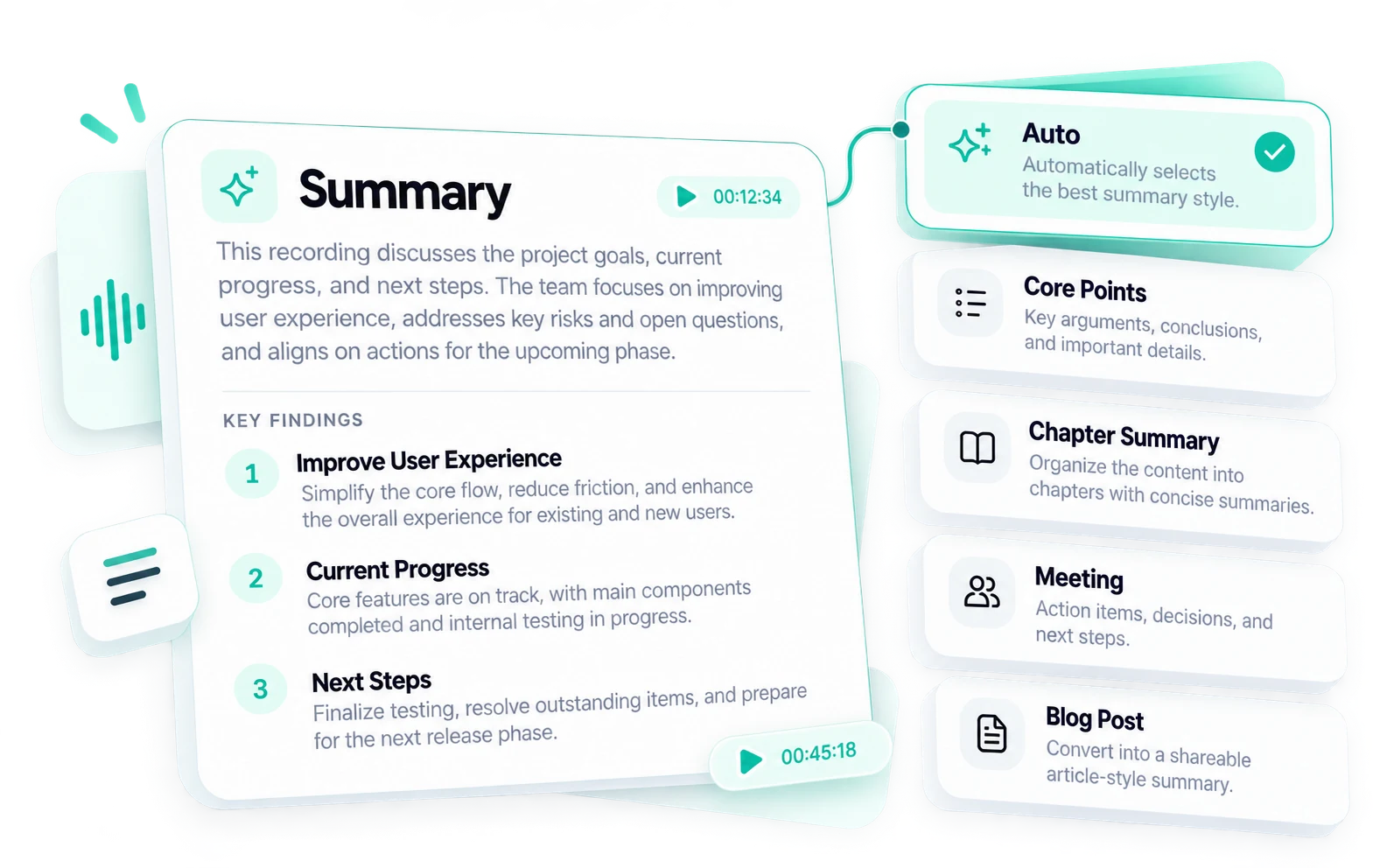
Choose from 16 summary styles for quick notes, core points, chapters, conversations, publishing, or professional analysis. Use the summary-style chart to match the video and your next task with an appropriate structure.
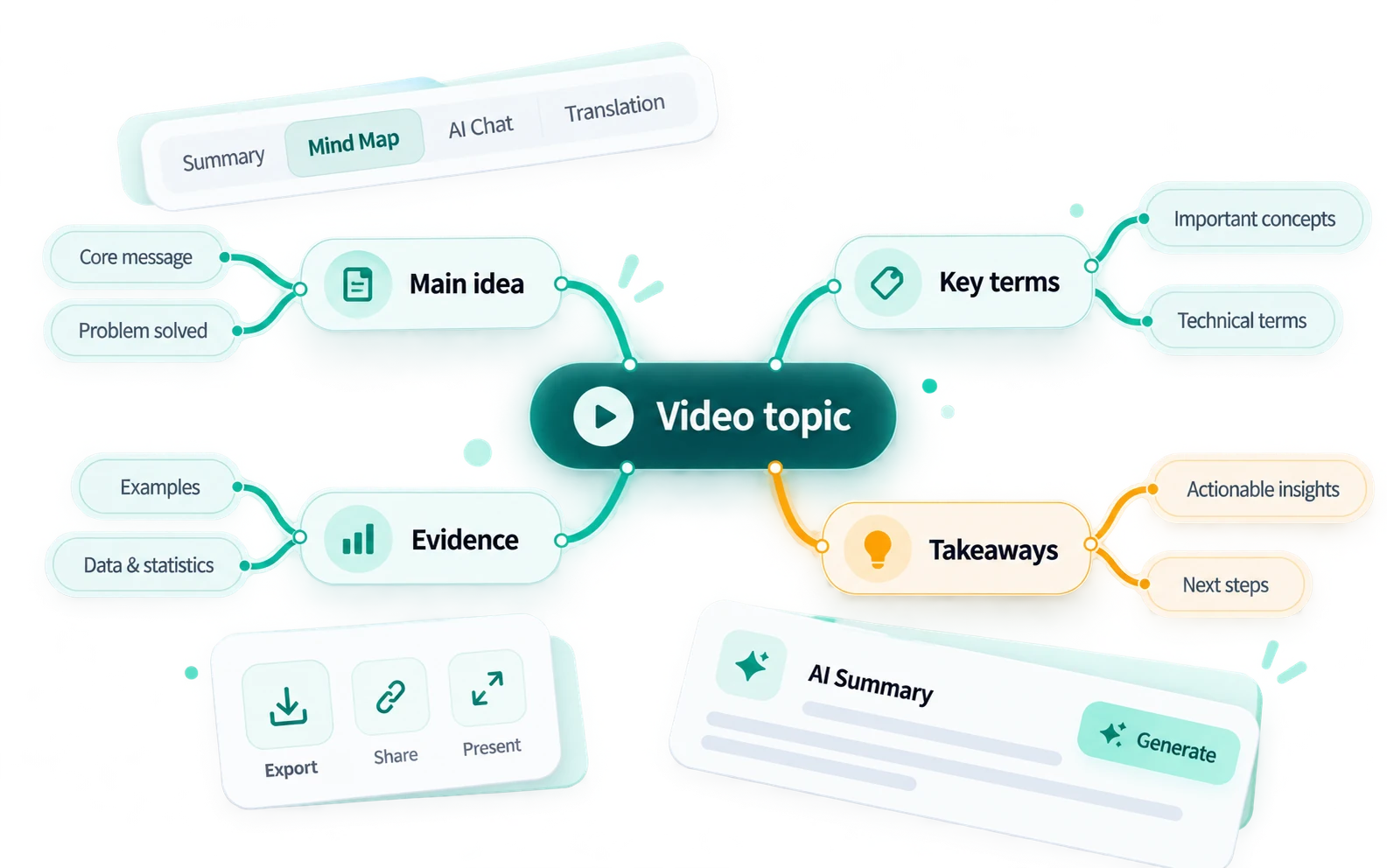
View the main topic, supporting ideas, and relationships as a visual structure. A mind map helps when a long explanation contains several connected themes.
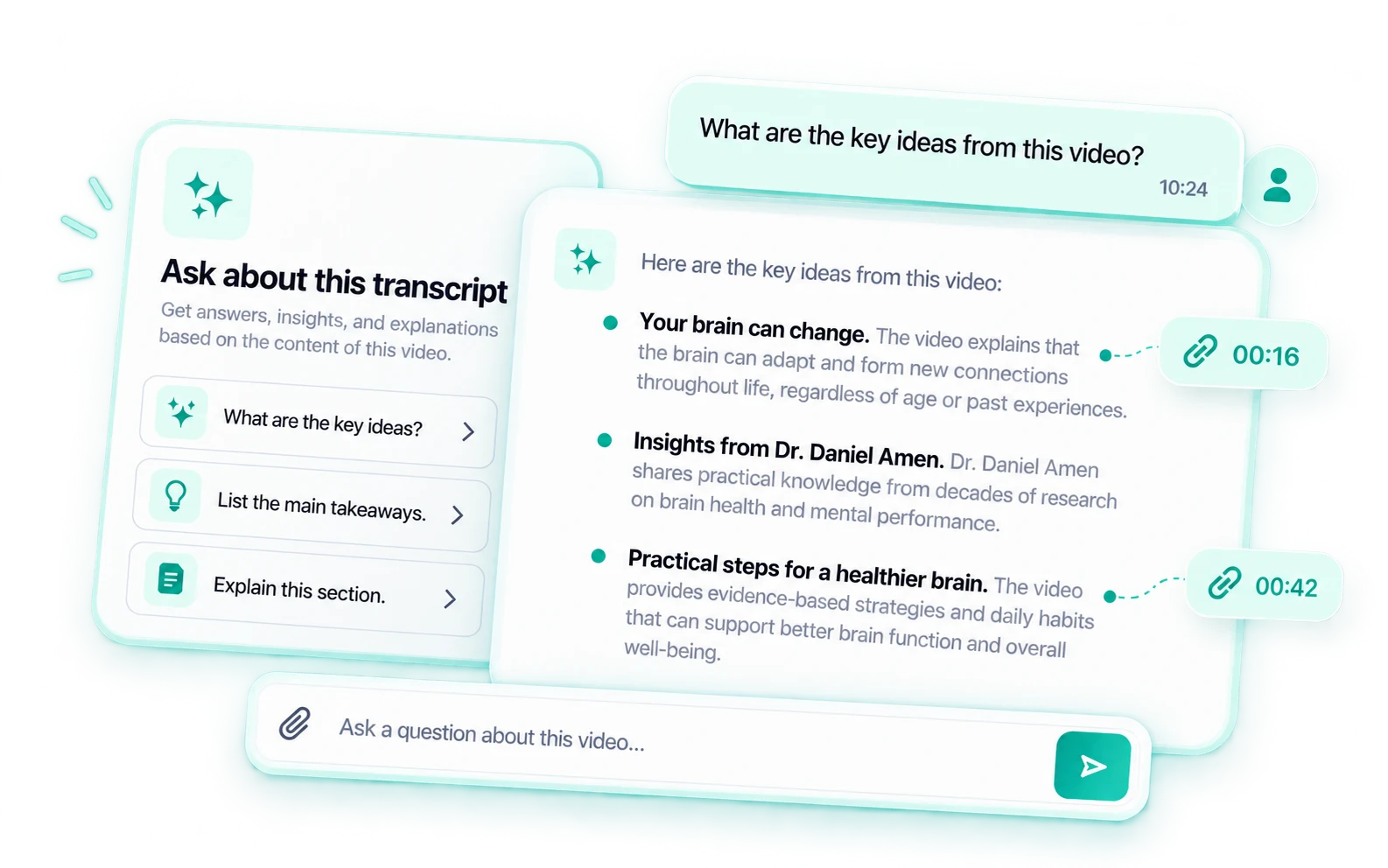
Ask about a claim, comparison, decision, or action item. AI Chat locates information without scanning every paragraph, while the full text remains available for verification.
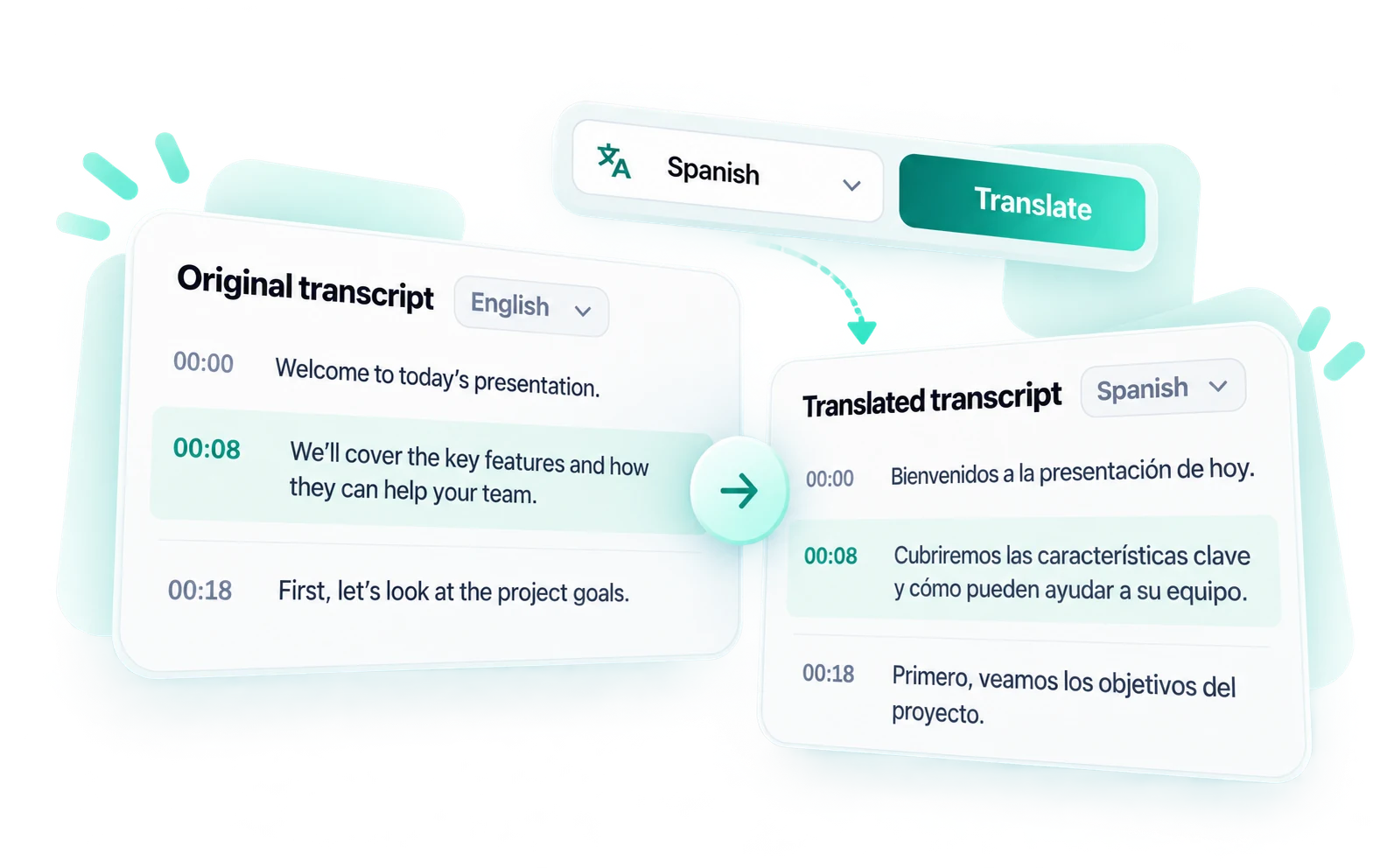
Select a target language for multilingual reading, collaboration, or localization. Review names, idioms, and specialist terminology before sharing the translation.
A transcript is more useful when you can trace every statement back to its source. The video and YouTube transcript stay together in one workspace, making it easier to locate, review, and verify important passages without repeatedly searching through the full video.
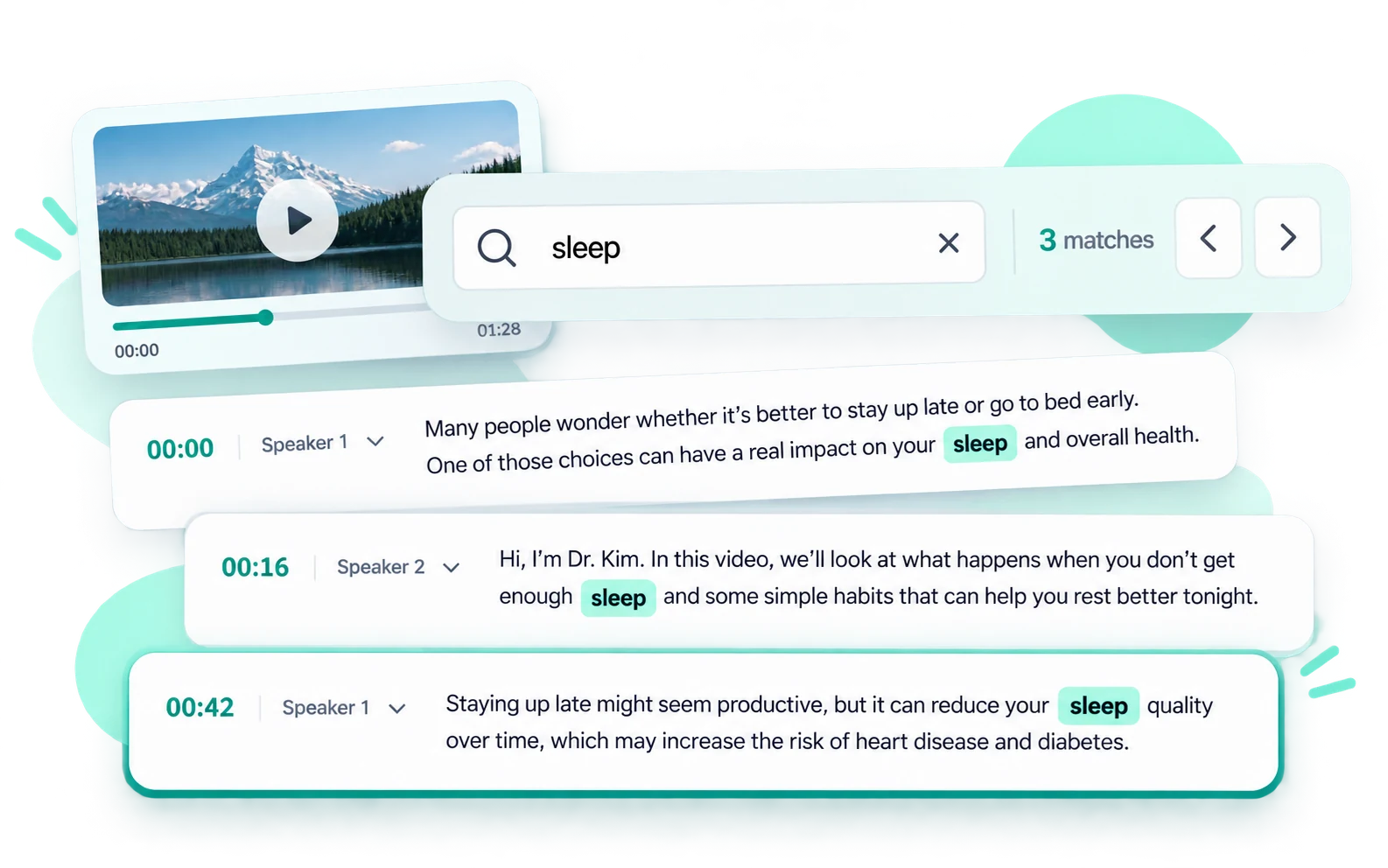
Each transcript passage includes a clickable timestamp and a clear speaker label. See who said what and open the matching moment in the video with one click. This is especially useful for interviews, panel discussions, lessons, and other videos with multiple speakers, where the meaning of a statement often depends on both the speaker and the surrounding conversation.
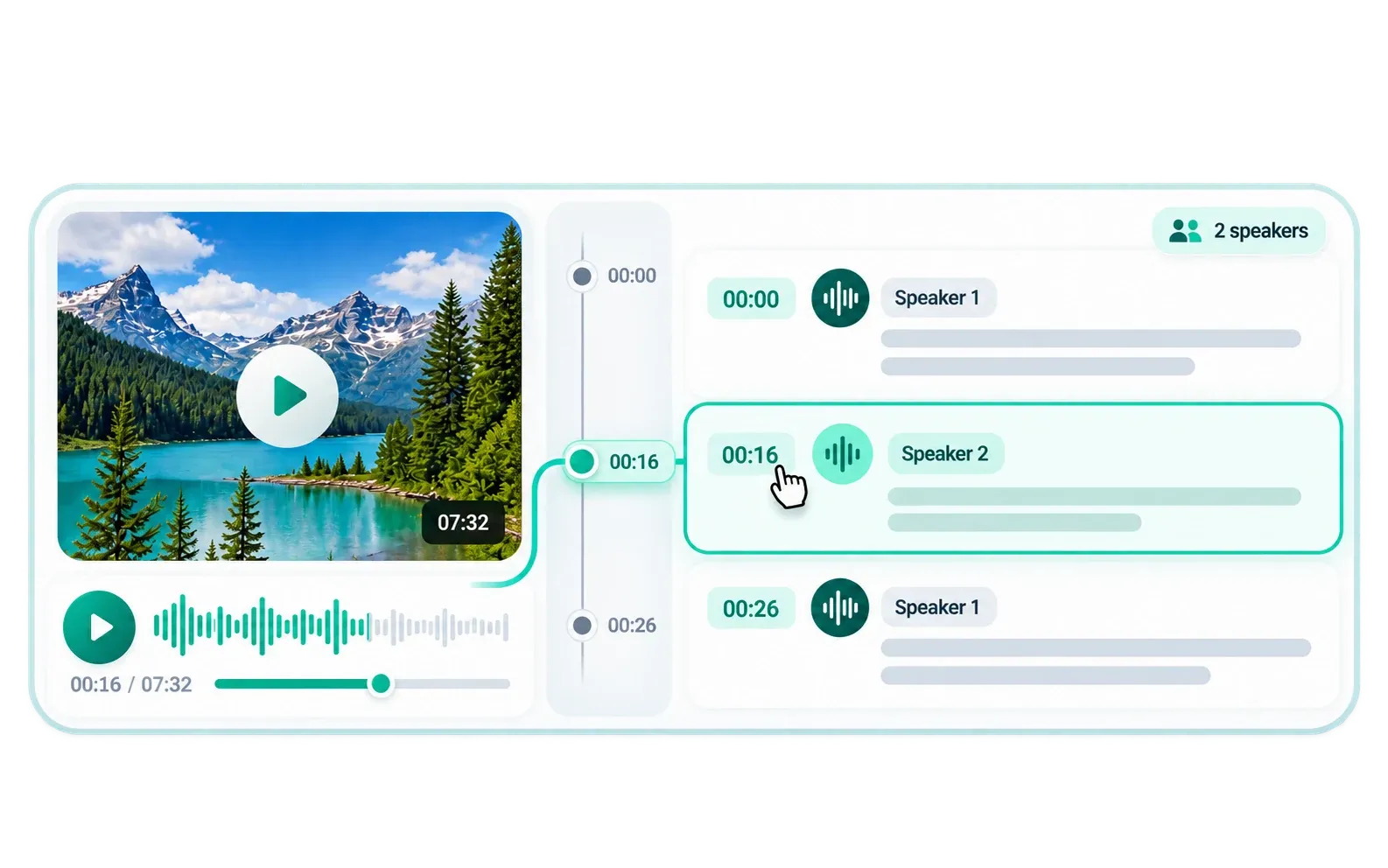
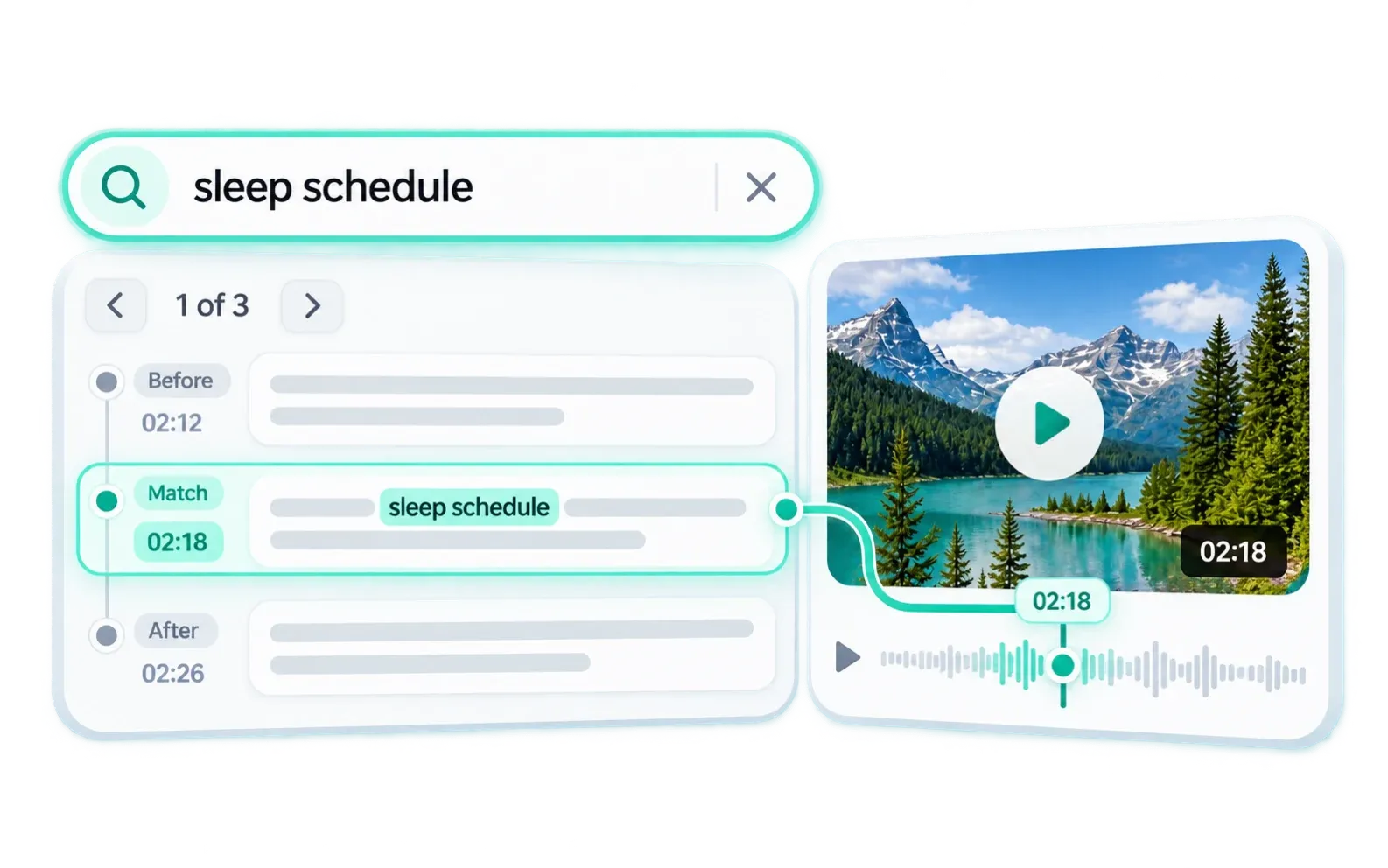
A useful YouTube transcript should make the source easier to verify, not separate words from their context. Search for a name, subject, or phrase, open the matching passage, and use its timestamp to hear the surrounding sentence.

Search a lecture for a definition, return to the explanation, and turn important sections into notes. Chapter summaries and mind maps divide a long lesson into manageable topics, while timestamps preserve the source.
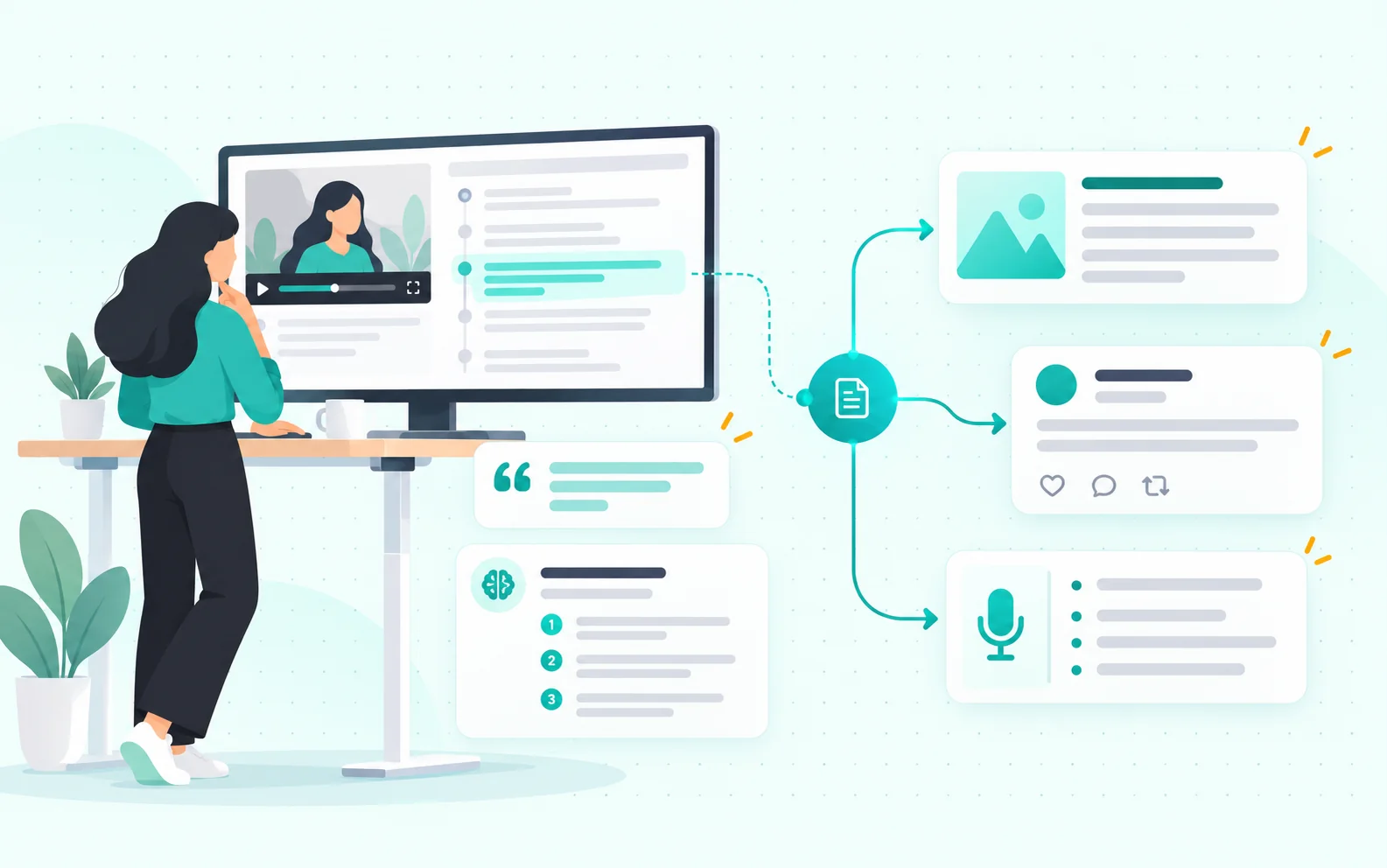
Find hooks, examples, quotations, and topic segments for articles, newsletters, podcast notes, or social posts. Use an AI summary for structure, then check selected ideas against the full record before rewriting them.

Revisit what a guest, customer, candidate, or presenter said without scrubbing through the video. Speaker labels, search, and AI Chat surface statements, decisions, objections, and follow-up items. Verify important claims before using them in a report.
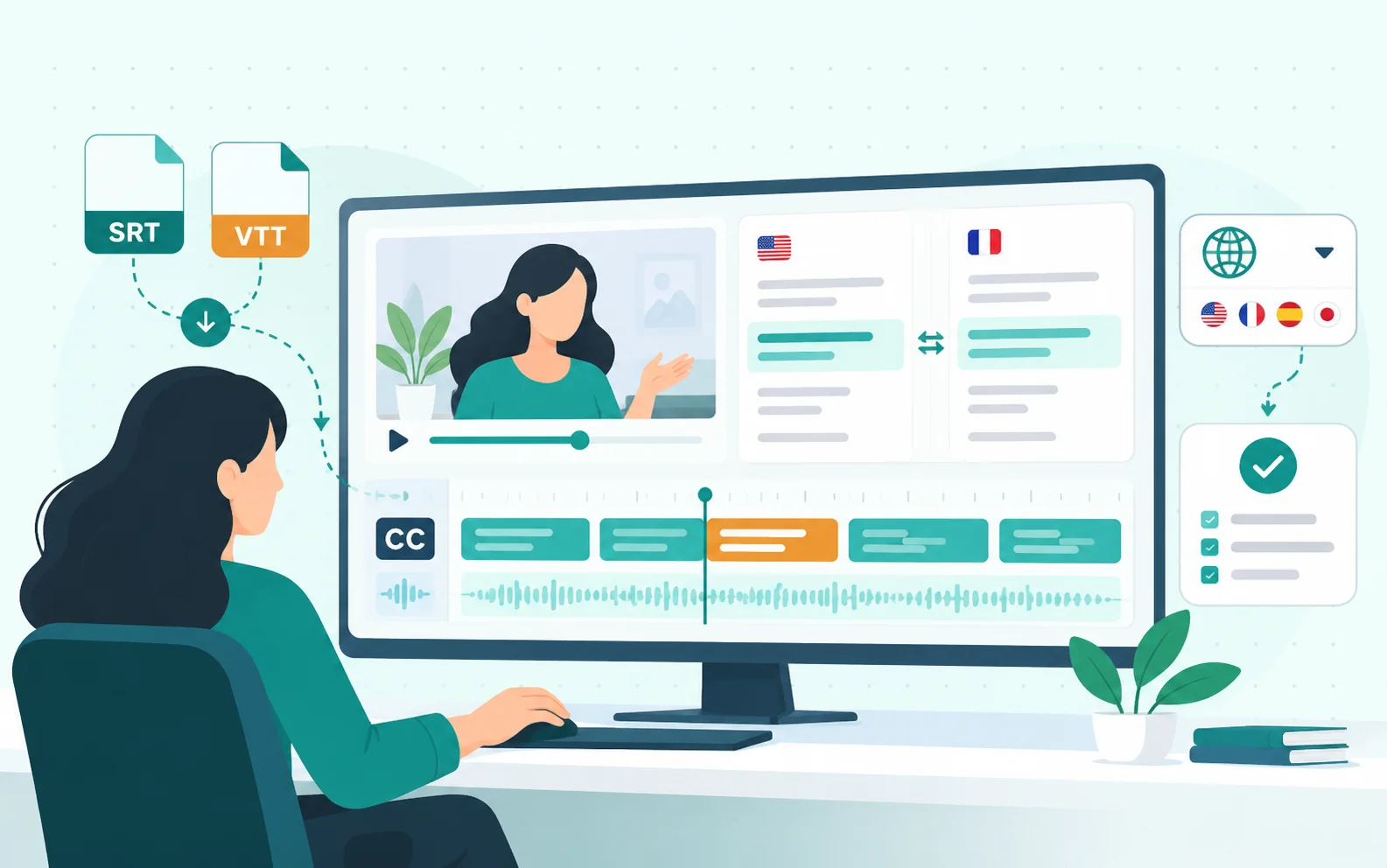
Correct wording before moving timed text into an editor or publishing platform. Translation supports multilingual review, while SRT and VTT preserve caption timing for video production, accessibility, and localization.
Choose the original transcript, its translation, or both, and export the result as TXT, SRT, VTT, DOCX, or PDF. Every file is created from the same YouTube transcript without processing the video again.
| Format | Best for | Main advantage | Typical destination |
|---|---|---|---|
| TXT | Notes, copying, and text tools | Lightweight plain text | Note apps, writing tools, AI tools |
| DOCX | Editing, comments, and reports | Editable document | Microsoft Word, Google Docs |
| Reading, sharing, and archiving | Stable page layout | Reference libraries, email, printing | |
| SRT | Video editing and subtitle upload | Numbered subtitle cues with timing | Video editors, YouTube, media platforms |
| VTT | Web video and online captions | Web-ready timed captions | Websites, web players, learning platforms |
Yes. AudioToText is free. Credits refresh daily, with no separate limit on transcription tasks. Video length determines credit use. You can continue creating results while daily credits remain available.
AudioToText works with supported public videos. The source must remain accessible during processing. Review names, figures, quotations, and technical terms before publishing the result.
It can add speaker labels when voices and turn-taking are clear. Similar voices, overlapping speech, weak microphones, or background noise may reduce separation quality, so important attributions should be checked.
Yes. It can process spoken audio when captions are unavailable. Clear speech and clean audio usually produce better results.
Noise, accents, overlapping voices, music, and specialist vocabulary can affect YouTube transcription. Clean audio and distinct speakers generally improve the result. Review important details against the source.
Yes. Correct names, punctuation, acronyms, speaker labels, and specialist terms before copying or exporting.
More than 90 languages are supported, with automatic detection. You can review the detected language before processing. Manual selection may help with uncommon accents or mixed-language recordings.
Copy the text or export TXT, DOCX, PDF, SRT, or VTT. SRT and VTT preserve subtitle timing.
Paste a public link and use the free generator to create searchable text with timestamps, speaker labels, AI summaries, and flexible exports.
Generate Transcript