Transcribe YouTube Videos
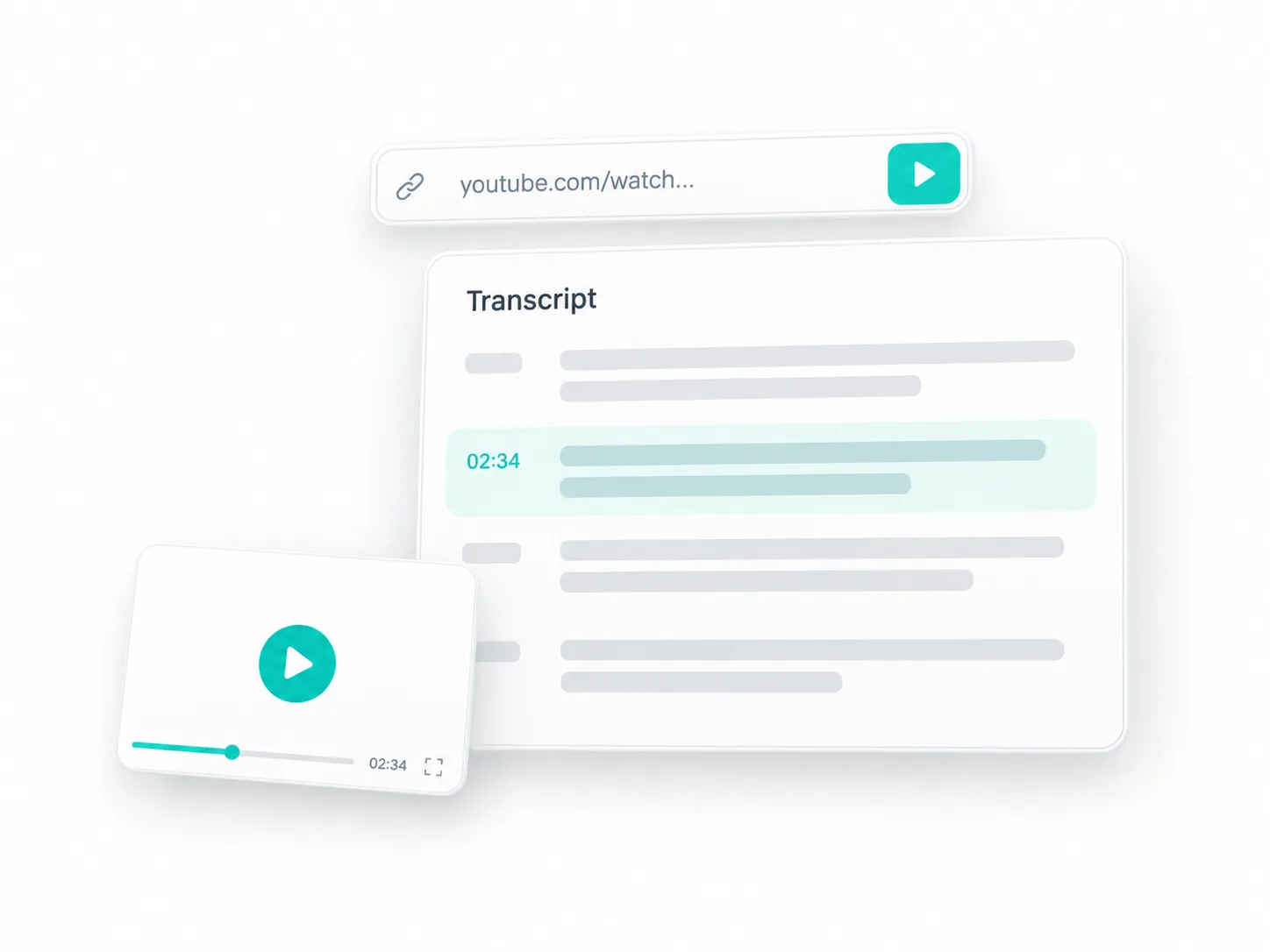
Paste a YouTube link into the video to text converter to turn spoken explanations, interviews, and recorded discussions into text. Find a passage for your notes and check it against the recording before quoting it.
 AudioToText
Use our AI video to text converter to turn spoken content into an editable transcript. Upload a recording or paste a YouTube, TikTok, or X link. Sign in for up to 240 free transcription minutes daily and transcribe videos in 90+ languages.
Select a video from your device or paste a supported social media link into the video to text converter. Start with the recording you already have, whether it is a lecture, interview, meeting, or short clip.
Choose your transcription mode and enable any options you need. Available settings depend on the type of recording and the level of detail you want.
Review your transcript in the video to text converter while playing the recording. Edit the wording and use Find & Replace to correct repeated terms. Download your transcript or subtitles, explore the AI tools, or share the result.
Use the video to text converter with local recordings or supported online videos. Choose the source that fits your task without changing your transcription workflow.
Paste a YouTube link into the video to text converter to turn spoken explanations, interviews, and recorded discussions into text. Find a passage for your notes and check it against the recording before quoting it.
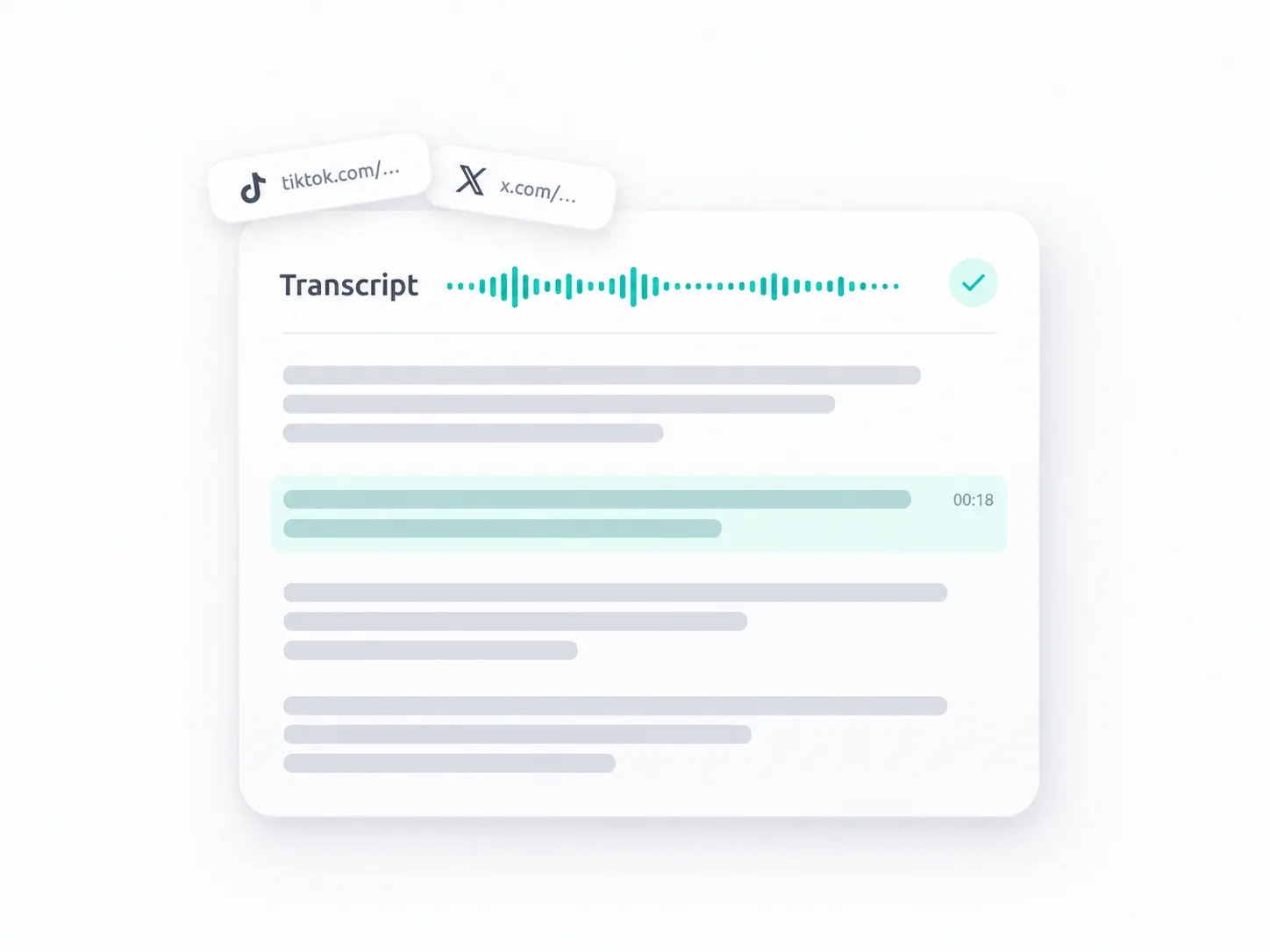
Convert spoken content from supported TikTok and X links into a readable transcript. Review a creator's explanation, collect research notes, or prepare a written version of your own clip.
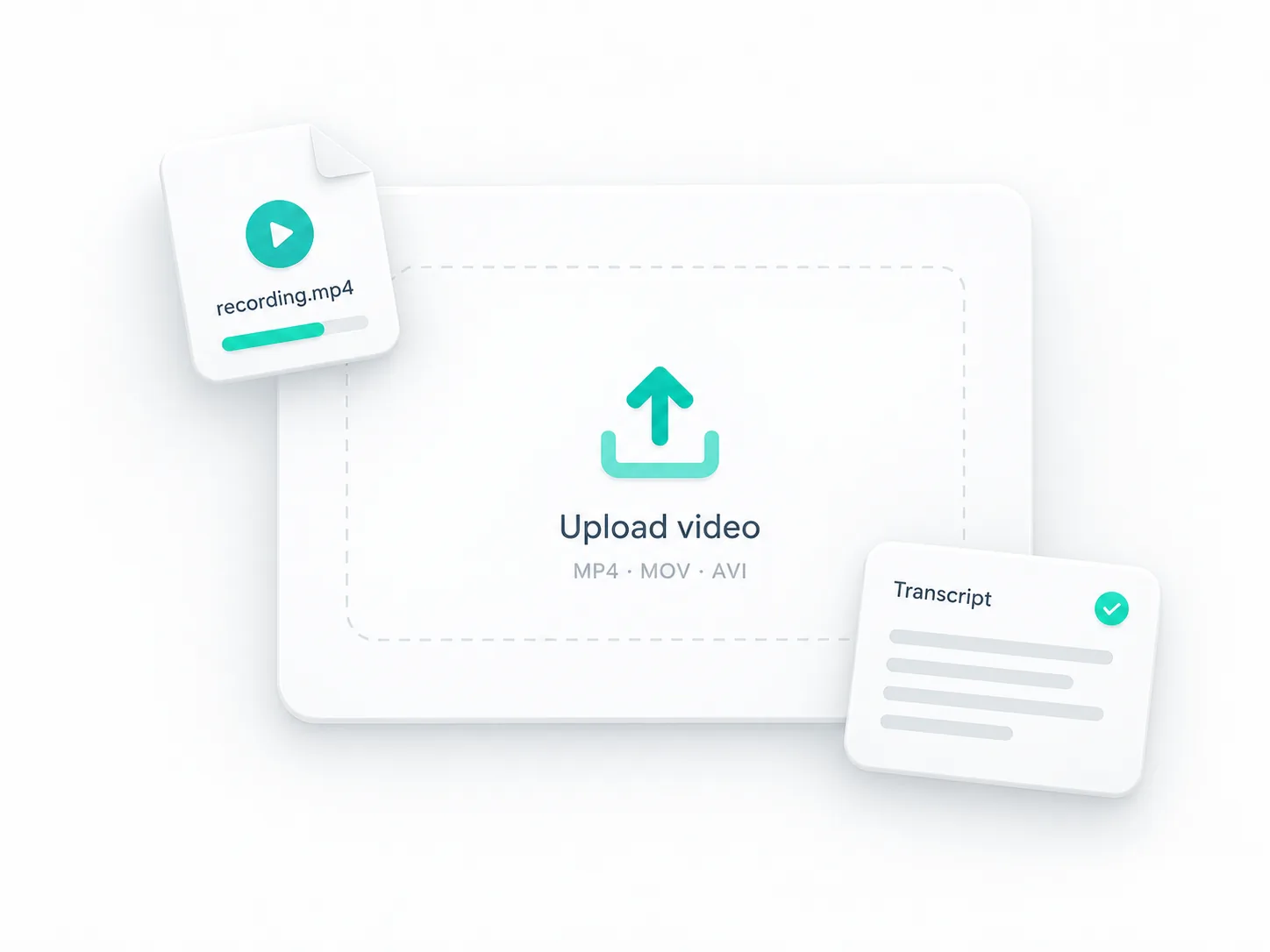
Upload MP4, MOV, or AVI recordings from your device. Turn a class recording into study material, a customer interview into research notes, or a recorded call into a reference for your team.
Adjust the video to text converter settings to handle difficult speech, speaker changes, and the details that matter to your work.
Choose Advanced for recordings with accents, background noise, or specialized discussions. Give the model additional context with Vocabulary Groups, then review uncertain passages against playback.
Turn on Recognize Speakers to label different voices in interviews, panel discussions, and meetings. Follow each person's contribution without reading the entire conversation as one block of text.

Before converting video to text, add relevant names, product terms, acronyms, and industry vocabulary. Help the model recognize language specific to your recording and reduce repeated corrections during review.
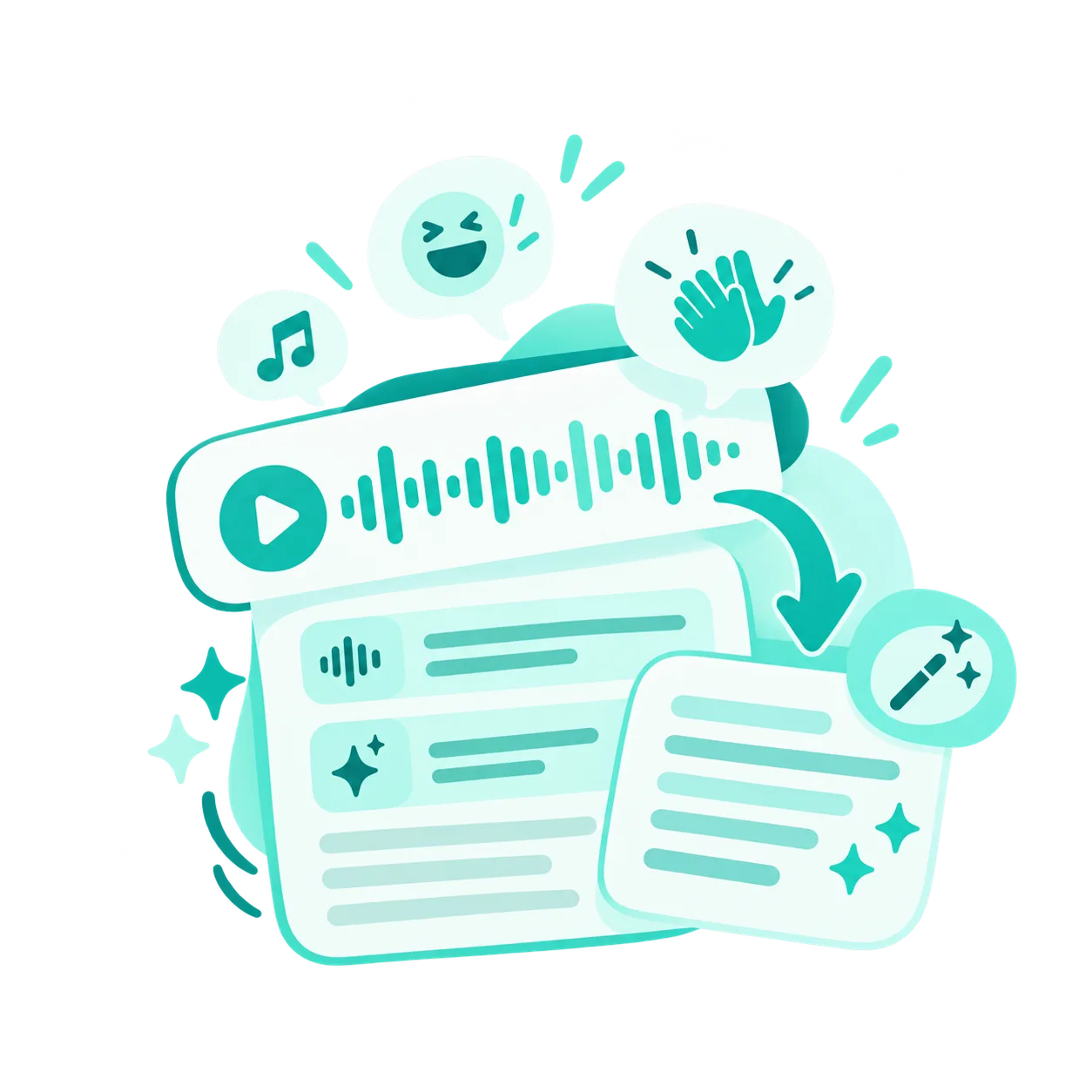
Enable Keep Audio Events when sounds such as laughter or applause add useful context. Use Clean Up Speech to reduce fillers and repetitions in the transcript when you want a smoother reading experience.
Transcribe videos in English, Spanish, French, German, Japanese, and 90+ supported languages. Turn lectures, interviews, and other recordings into editable text in their original language.
Your recording’s language, preserved in your transcript.
Up to 240 Free Minutes Daily
Sign in to get up to 240 free transcription minutes daily. Available transcription time varies depending on your selected settings.
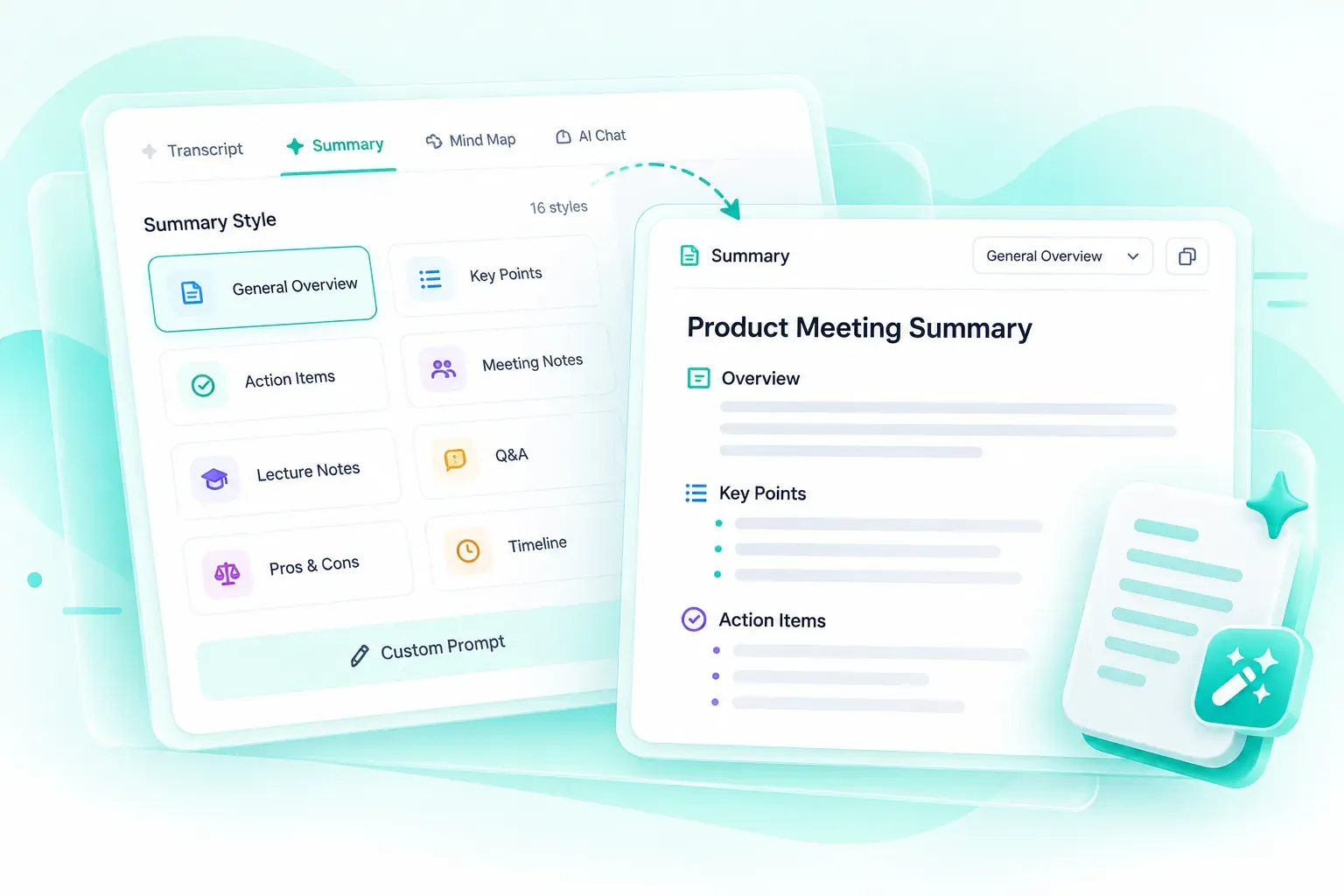
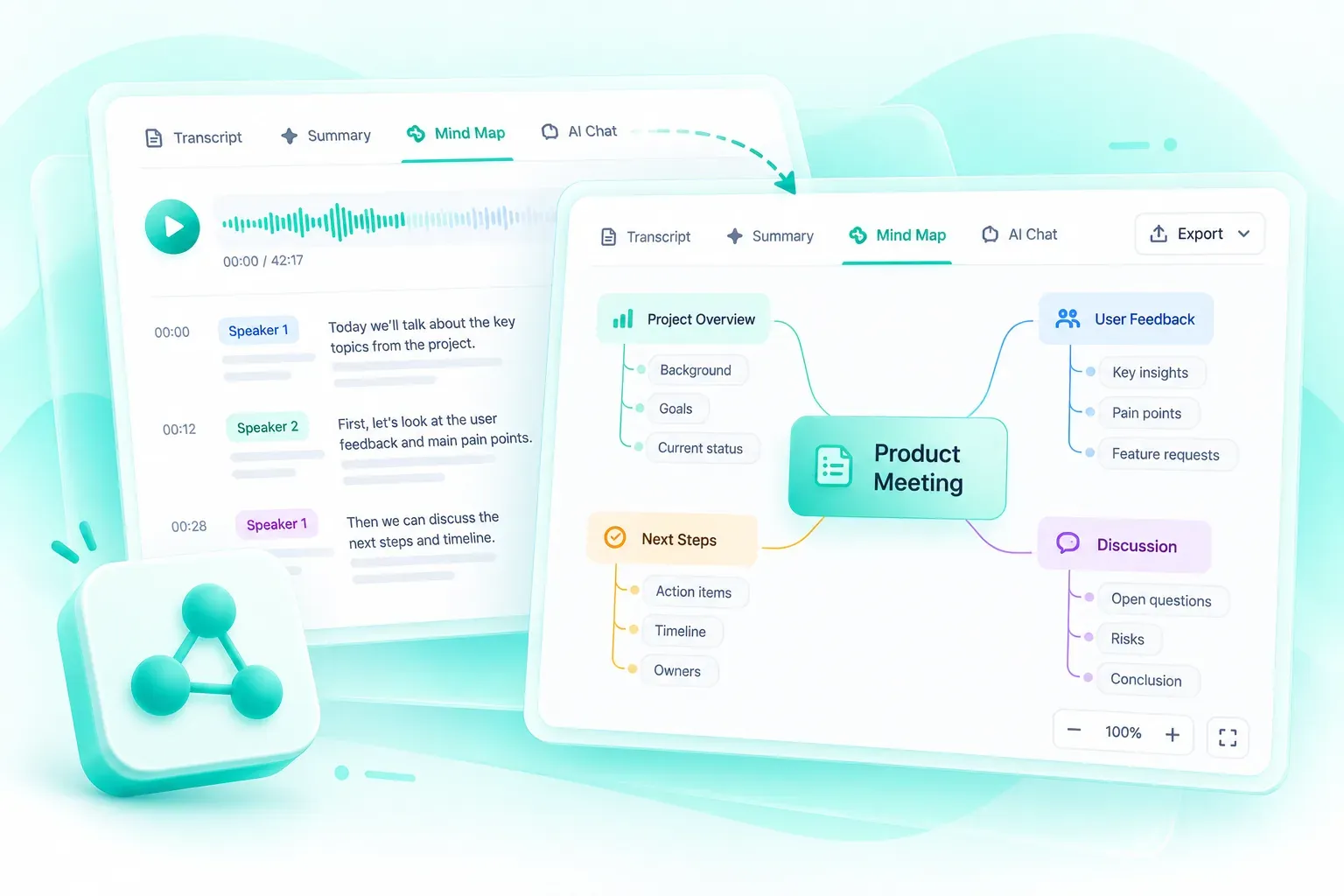
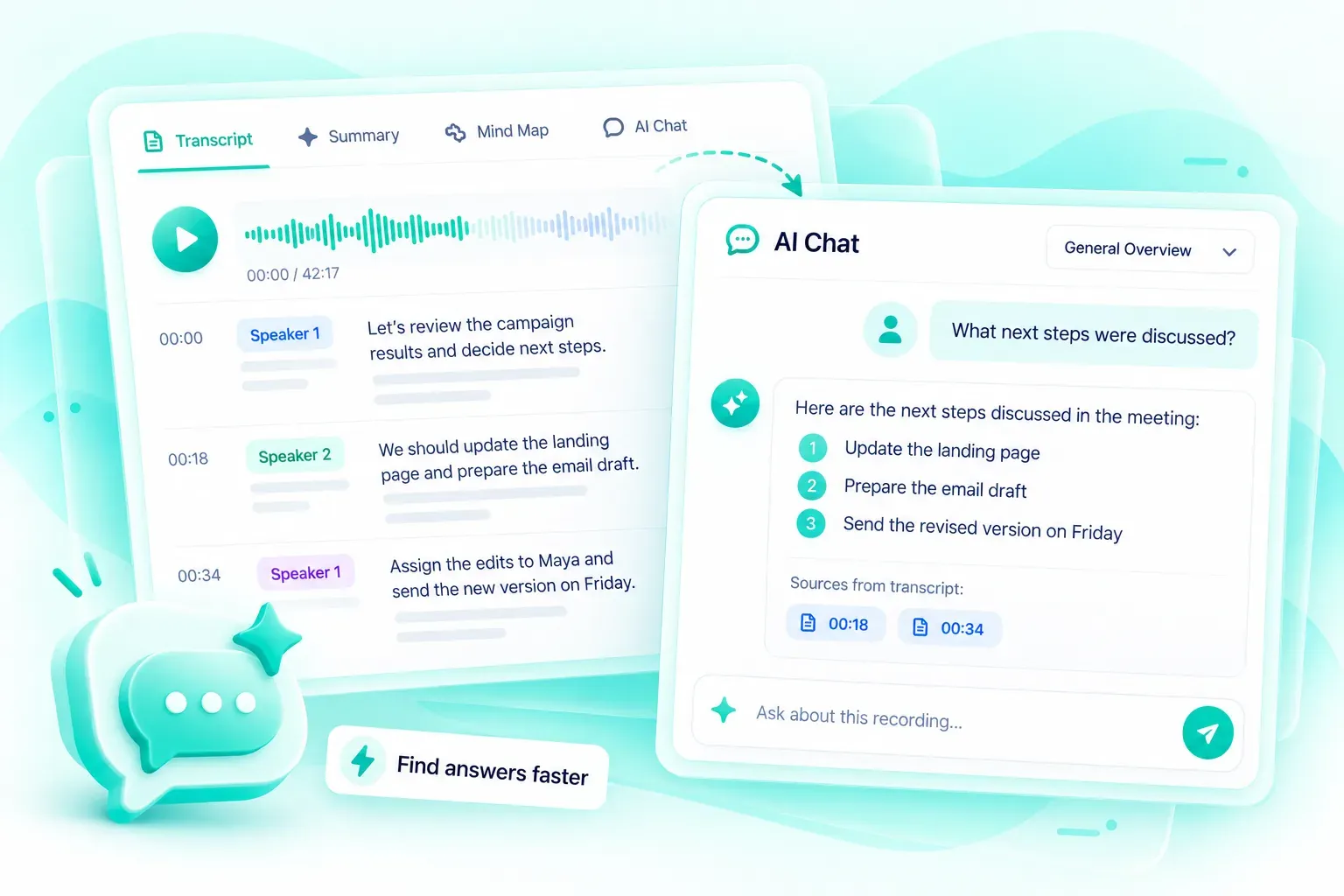
The video to text converter brings your transcript together with tools for checking details, organizing ideas, and preparing material you can use after watching.
Follow timestamps and speaker labels while listening to the recording. Edit individual passages, copy useful sections, or use Find & Replace to update a recurring name or term throughout the transcript.
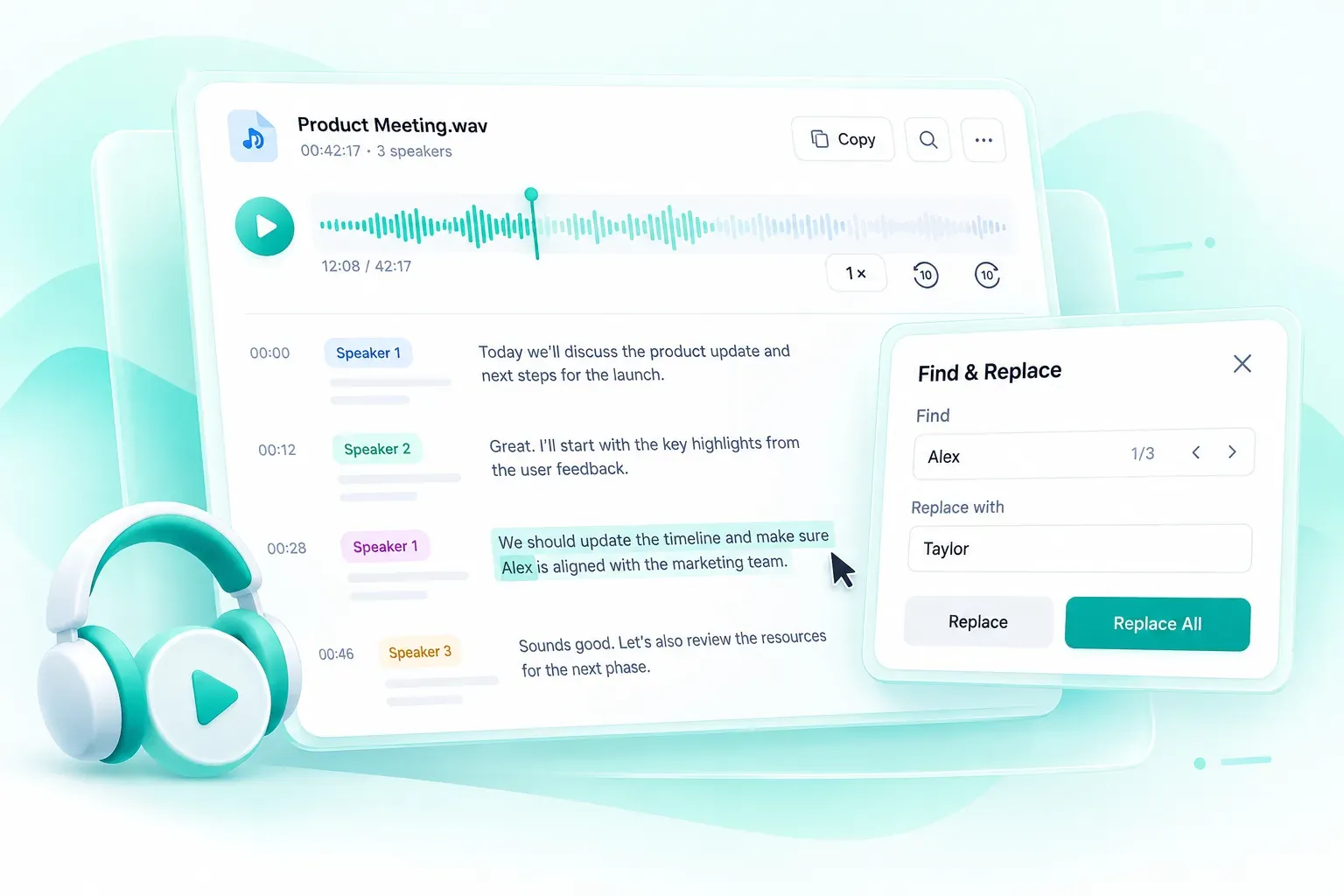
Transcript playback with timestamps, speaker labels, and editing tools.
Upload a video or paste a supported link to get started. Transcribe in 90+ languages with up to 240 free minutes daily when you sign in.
Yes. Sign in for up to 240 free transcription minutes daily. The daily allowance covers up to 240 minutes in Standard without speaker recognition, 120 minutes in Standard with speaker recognition, or 80 minutes in Advanced. Advanced includes speaker recognition.
You can upload files in 30+ supported formats, including MP4, MOV, and AVI. The tool processes the spoken audio in your file and produces a transcript you can review and edit.
Yes. The video to text converter accepts supported YouTube, TikTok, and X links through Paste Link. If a link cannot be accessed, upload a local copy that you have permission to use.
Our video to text converter supports transcription in 90+ languages, including English, Spanish, French, German, and Japanese. Transcription turns speech into written text; use the Translation tab on the results page when you need the transcript in another language.
This video to text converter transcribes spoken audio. It does not extract words from slides, images, or other on-screen elements. A video needs audible speech to produce a speech transcript.
Yes. Enable Recognize Speakers to separate voices with speaker labels. This helps you follow interviews and group discussions. Check the labels during review, especially when people speak at the same time or sound similar.
Use a recording with clear speech where possible, choose Advanced for challenging audio, and add names or specialist terms through Vocabulary Groups. Background noise, overlapping voices, and recording quality can affect the result. Review quotations, names, and important figures against playback.
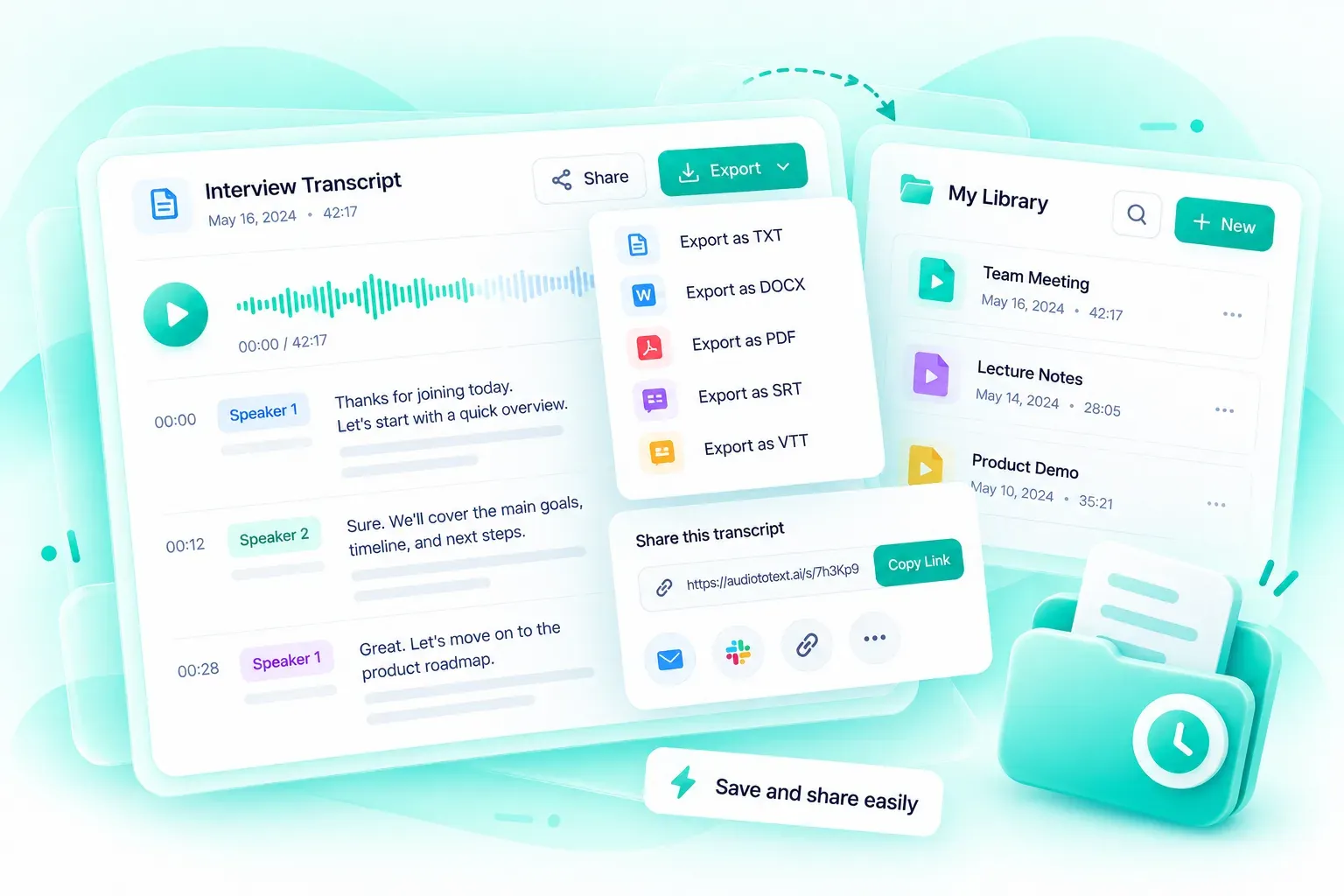
Yes. Edit the text on the results page, correct recurring terms with Find & Replace, and copy the passages you need. Download your files from the video to text converter as TXT, DOCX, or PDF, or download SRT and VTT subtitle files.