Review and Edit Your Transcript
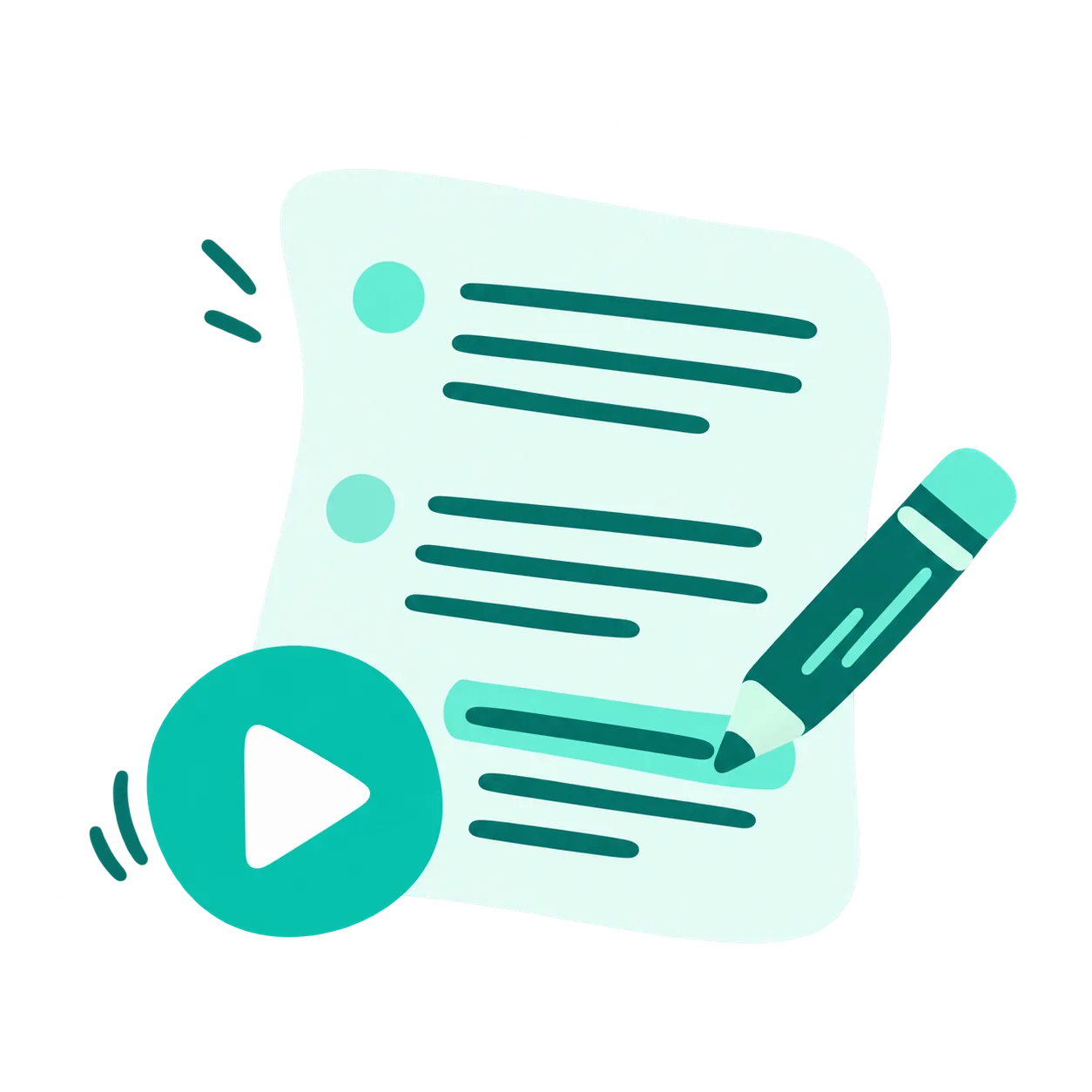
Follow the recording with timestamps and speaker labels. Use playback controls to check the wording, then find and replace terms or copy the text you need.
 AudioToText
Translate audio and video to text with our AI audio translator. Get 240 free transcription minutes, 99+ languages, 30+ formats, and easy downloads.
Our audio translator brings transcripts, translation, and AI tools into one workspace. Review your recording, explore key ideas, and prepare the results for your next task.
Follow the recording with timestamps and speaker labels. Use playback controls to check the wording, then find and replace terms or copy the text you need.
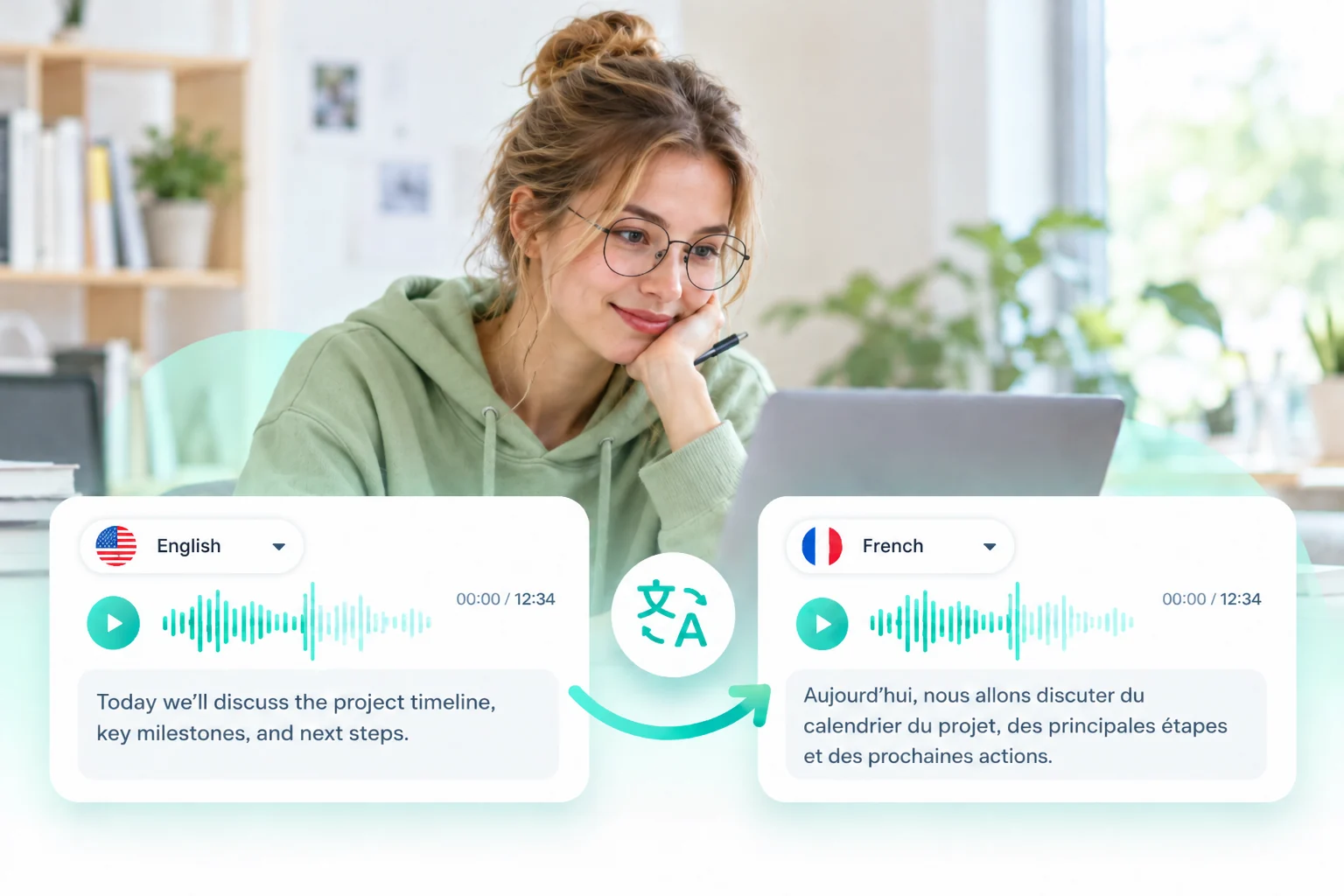
Open the Translation tab in the audio translator to view your content in another language while keeping the source transcript available for reference.
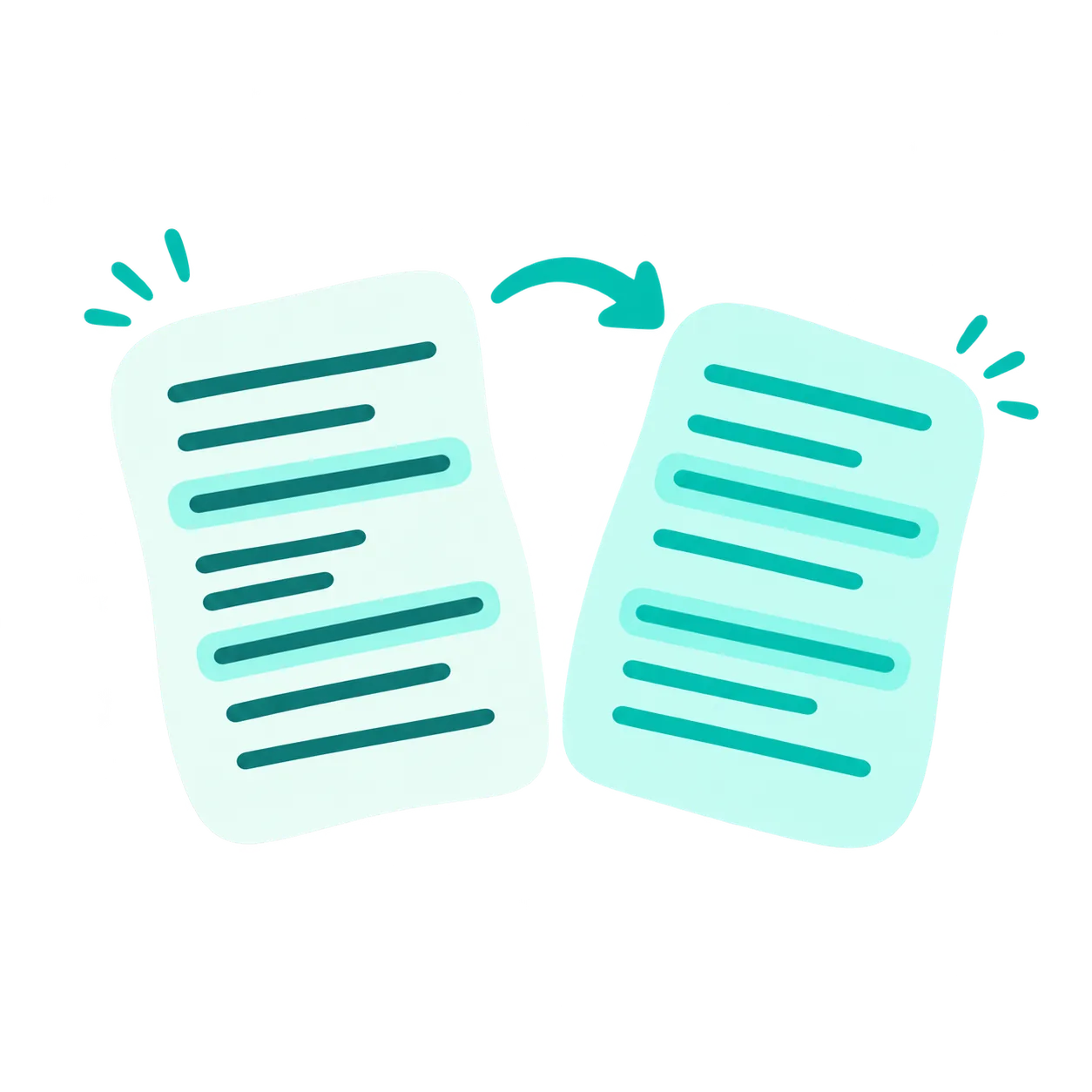
Get an overview with AI summaries, explore how ideas connect in a mind map, or ask AI questions about the recording to find relevant information.
Download your transcript, share the result, or return to saved recordings in My Library. Keep your content ready for further review and reuse.
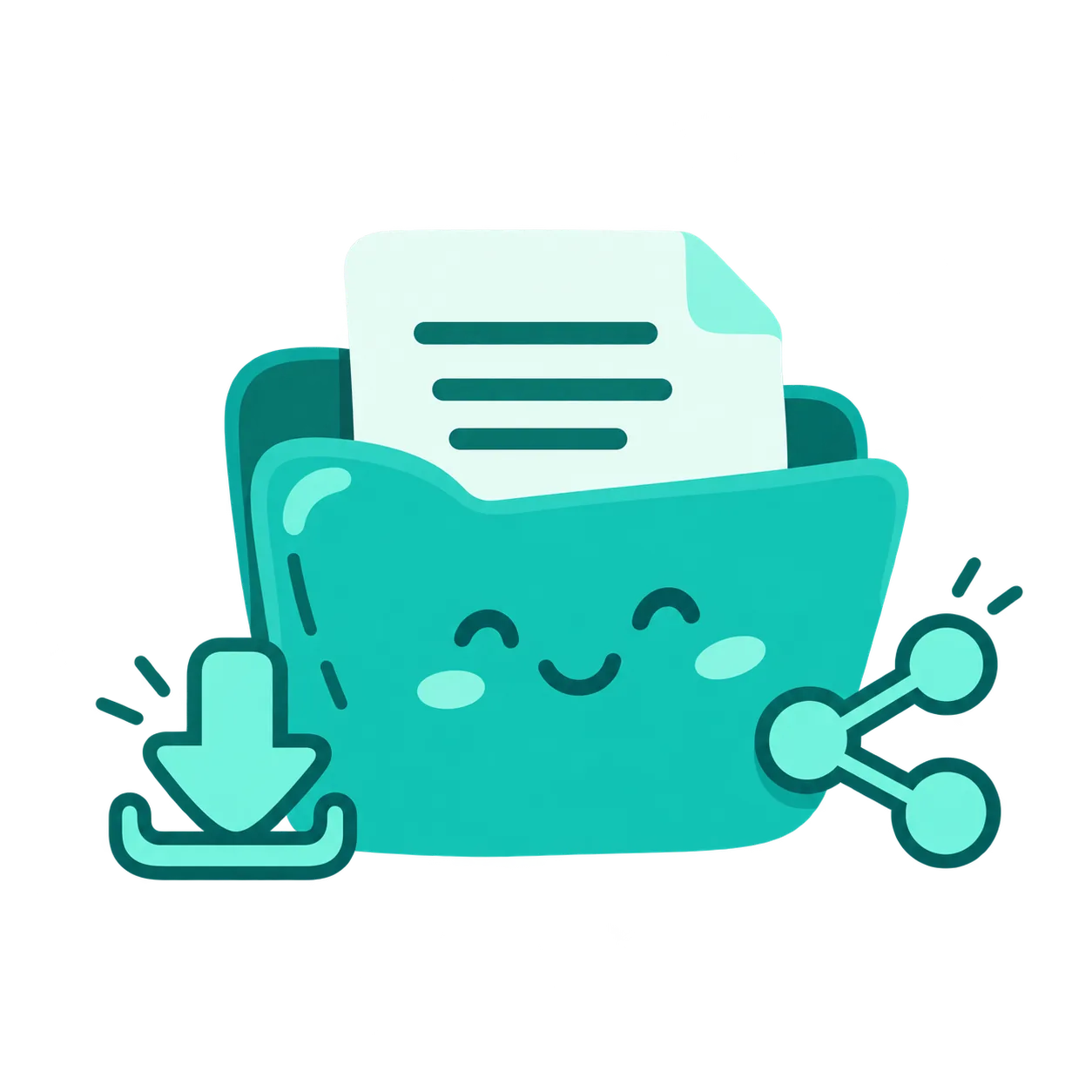
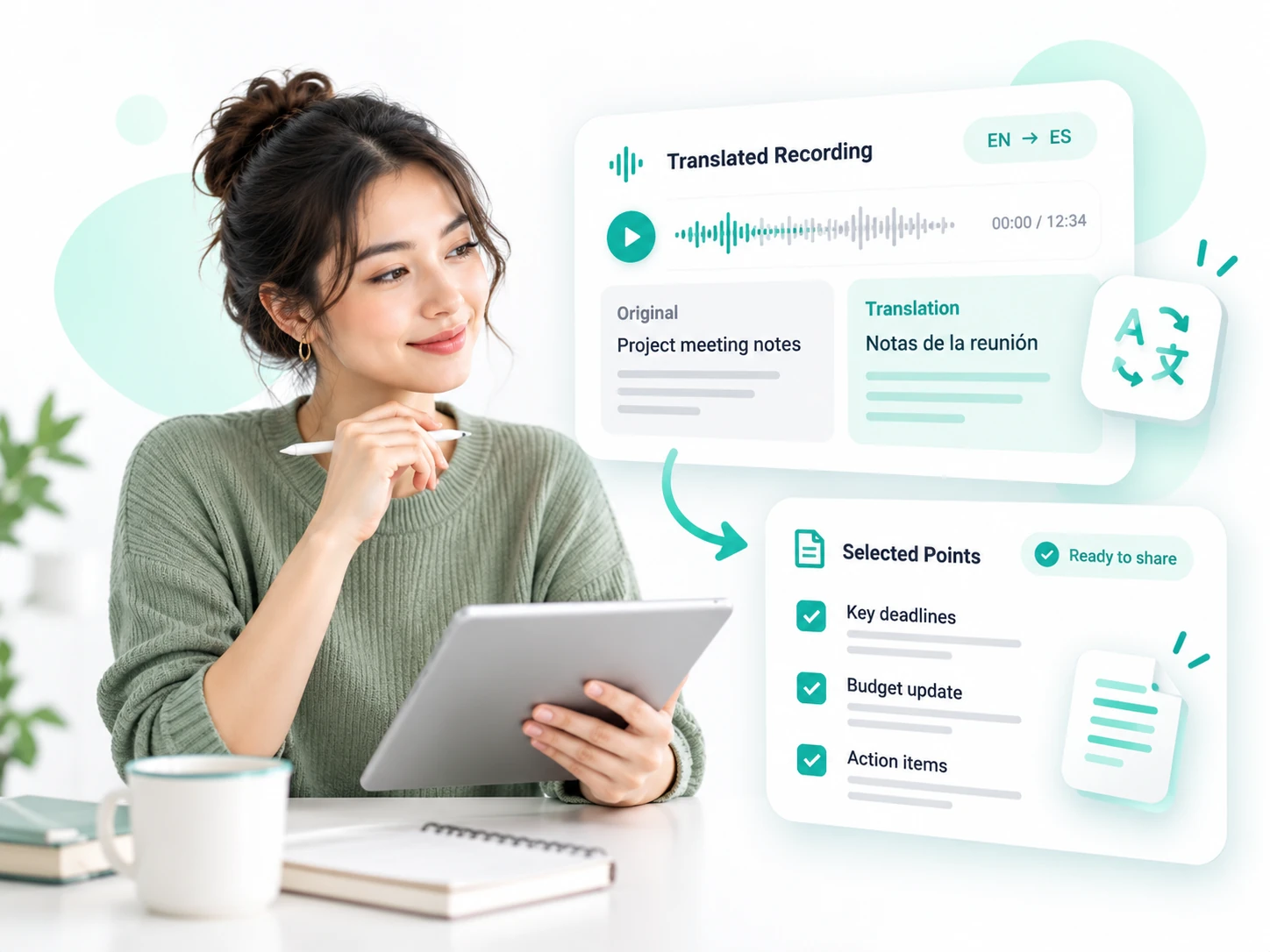
Use translated recordings to prepare materials for people who read another language. Choose the parts that matter to your audience, then adapt the text for your next task.
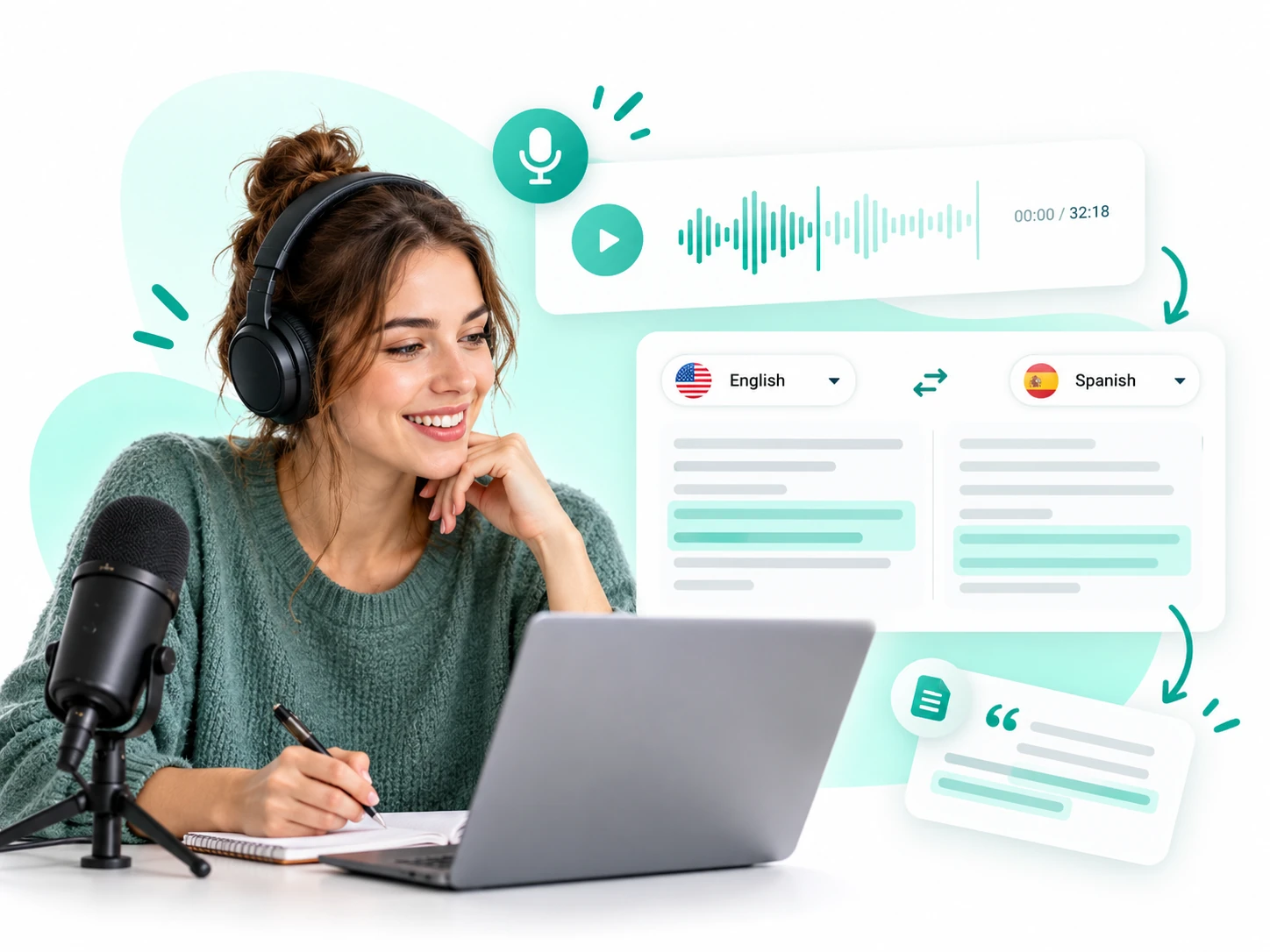
Use an audio translator to turn podcasts and interviews into text for international readers. Reuse translated passages in episode notes or articles, and check key quotations against the original recording before publishing.
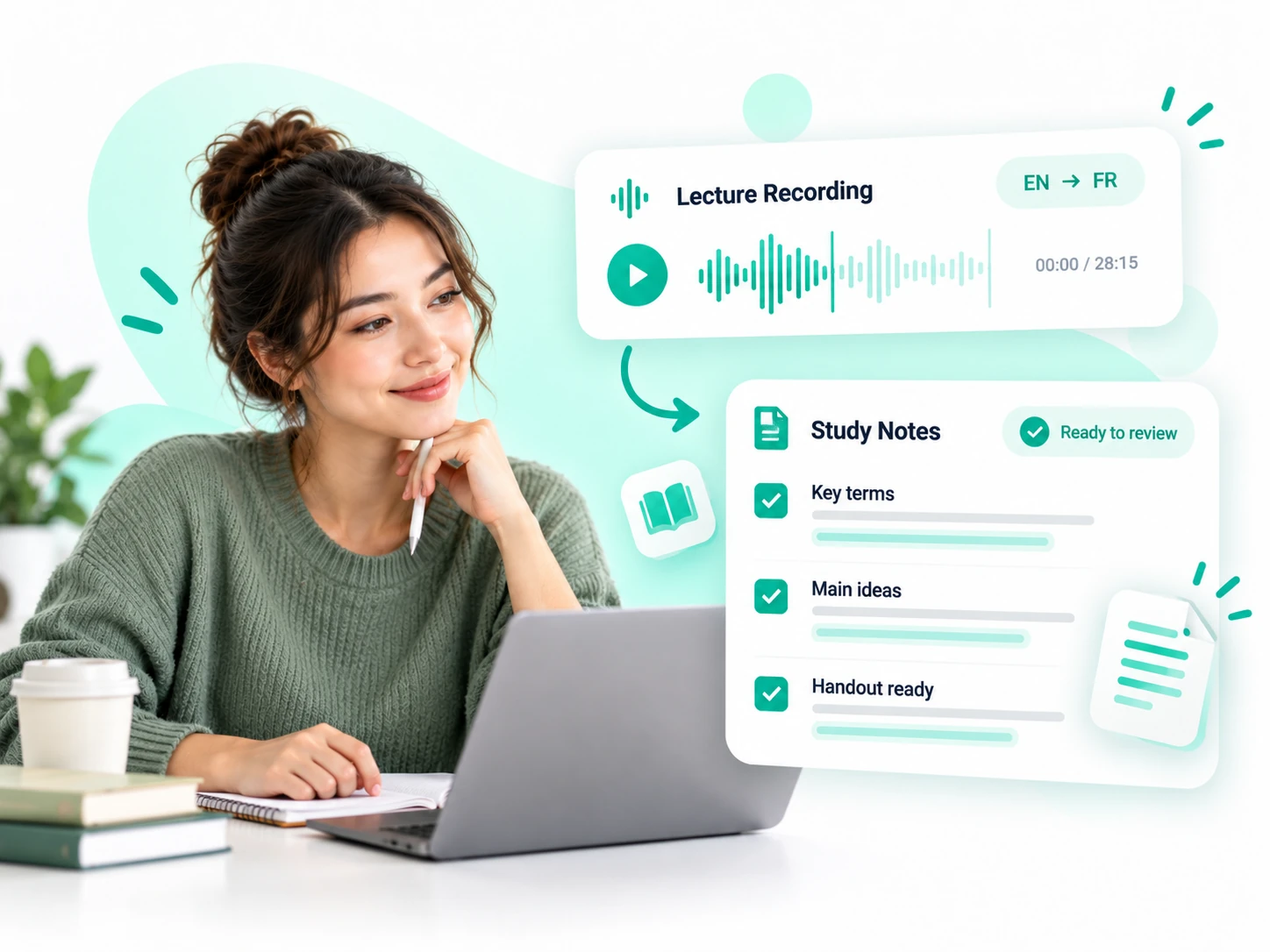
Use an audio translator to turn lectures and training recordings into multilingual study notes. Review key terms, prepare handouts, and help learners revisit explanations at their own pace.
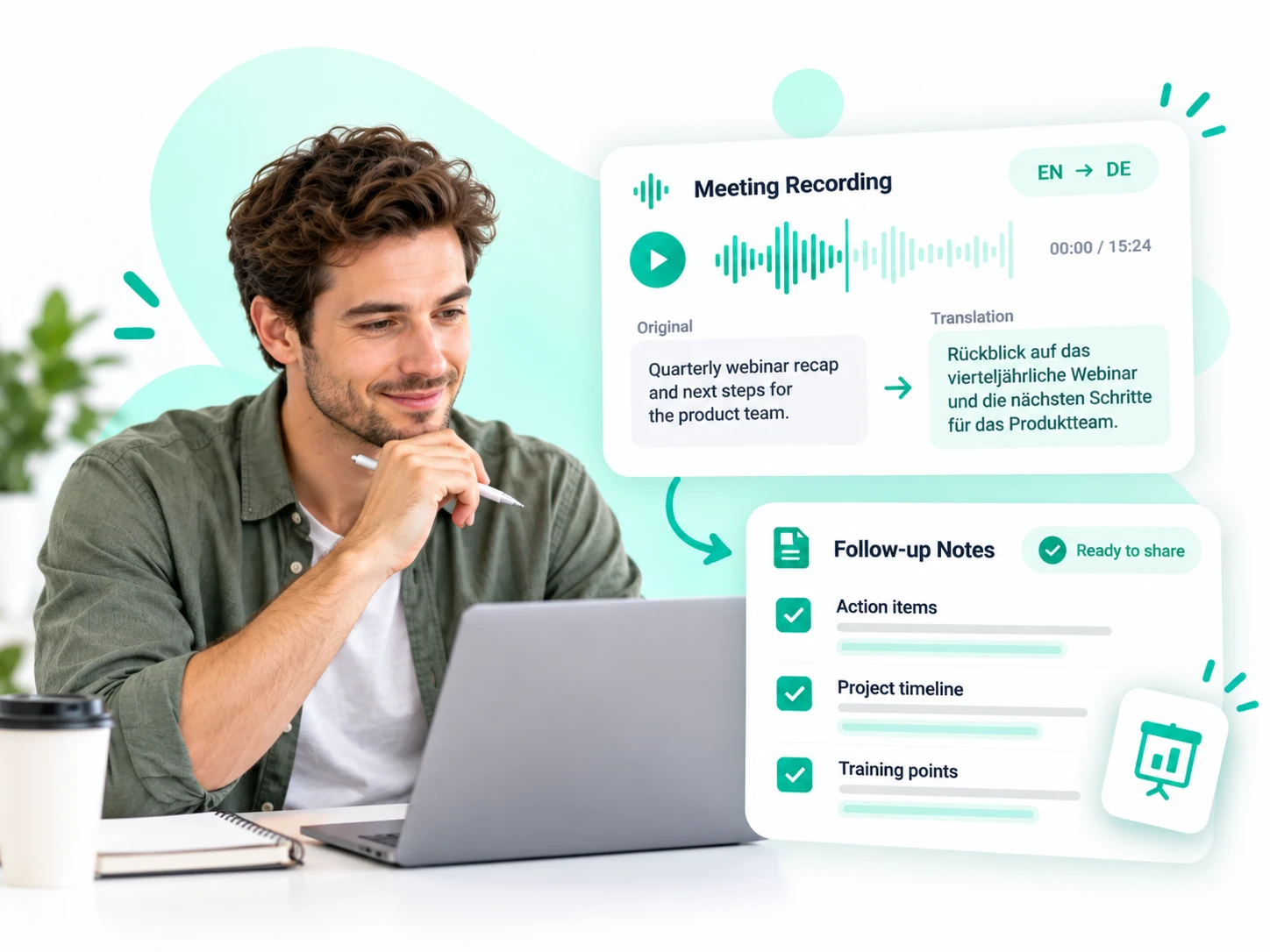
Translate calls, presentations, and webinars into text for international teams. Reuse relevant passages in follow-up notes or training materials, and check important details against the original recording.
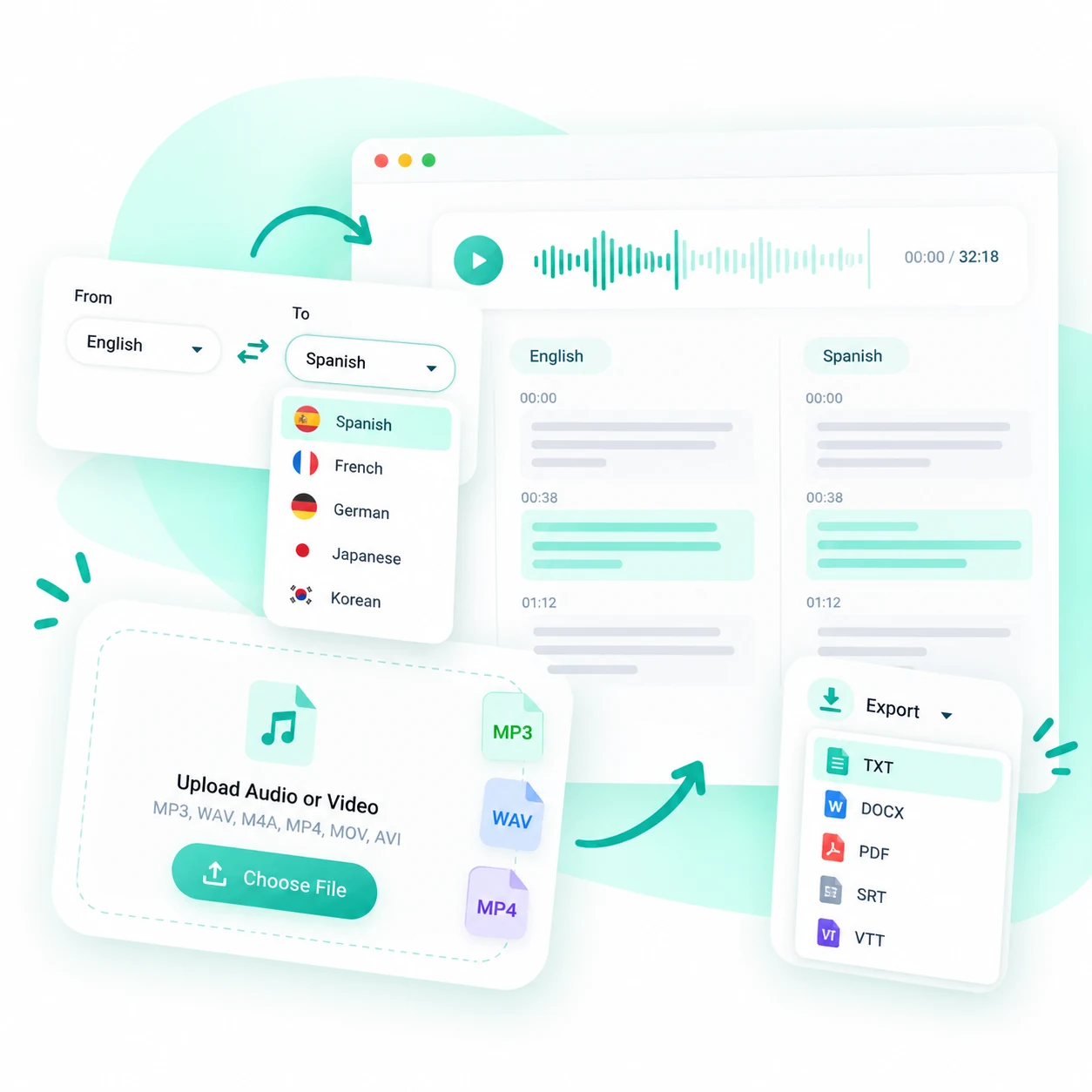
Upload an audio or video file from your device. Common formats include MP3, WAV, M4A, MP4, MOV, and AVI. The audio translator works in your browser, so there is no desktop application to install. If available for your source, you can also paste a link or record directly.
Choose the source language or use automatic detection, then select the language you want to read. Start processing and let the audio translator create the transcript and translation. You do not need to prepare a separate written transcript before uploading your recording.
Read the translated result beside the original transcript. Check names, numbers, and phrases that matter to your audience, then copy the text or download a TXT file. Your translation is ready for further editing, sharing, or reuse in your preferred tools.
Translate recordings with an audio translator that brings bilingual review, flexible file support, and easy text export into one browser-based workflow. Compare both languages, upload familiar formats, and save your translated text for everyday use.
Set the target language for your audience in the audio translator. Select the source language when you know it, or use automatic detection when you are unsure. Check the available language menu before processing regional variations or specialized content, and confirm your selection before starting.
The audio translator keeps the original and translated text side by side, making it easier to compare wording without switching between documents. Check a name, number, interview answer, or technical explanation against its source. Bilingual review helps you assess the meaning before sharing the result with someone else.
Work with the recording you already have. The audio translator supports 30+ formats, including MP3, WAV, M4A, MP4, MOV, and AVI, so common files do not need a separate conversion step. Everything runs in your browser, without installing a desktop translation application.
Copy selected passages for a quick message, download the translated transcript as a TXT file for editing, or share the result through the available sharing options. Take the text into your usual tools and choose the format of your final material there, whether that is a handout, a document, or publishing notes.
From multilingual lessons to research interviews, explore how an audio translator can fit into everyday work—helping people review recordings, organize ideas, and reuse translated text.
Having the original and translated text together makes lesson review easier. I can check key terms before sharing the notes with students who speak another language.

Emily Carter
Course Instructor
Use the audio translator to turn your next interview, lesson, or meeting into text for another audience. Upload a file, choose a language, and bring the translated result into your everyday workflow.
Translate Audio Now