Revisit the Details You Missed
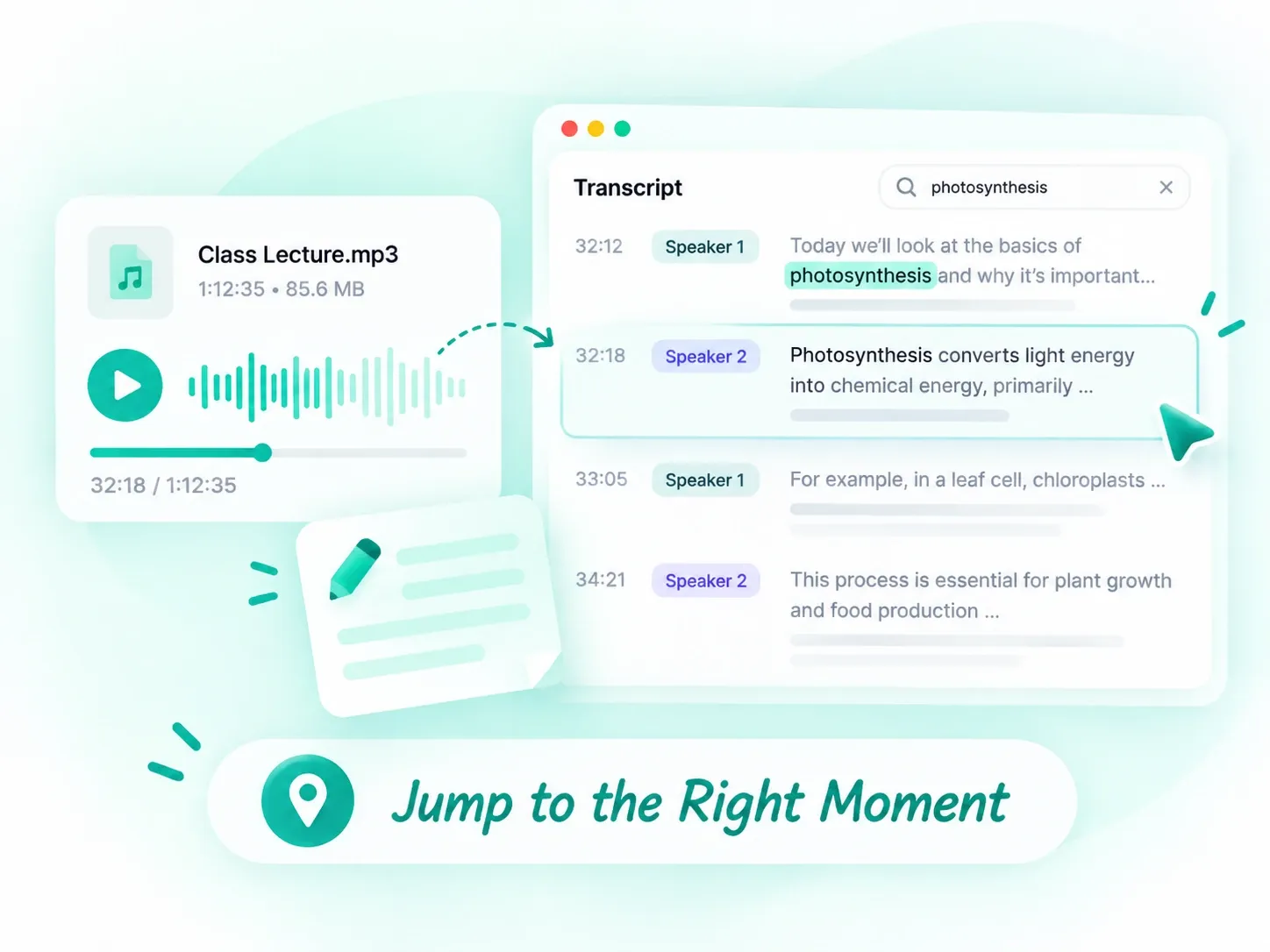
Read an editable transcript of your class audio, including explanations, examples, and definitions. Use timestamps to locate the corresponding section in your lecture recording.
 AudioToText
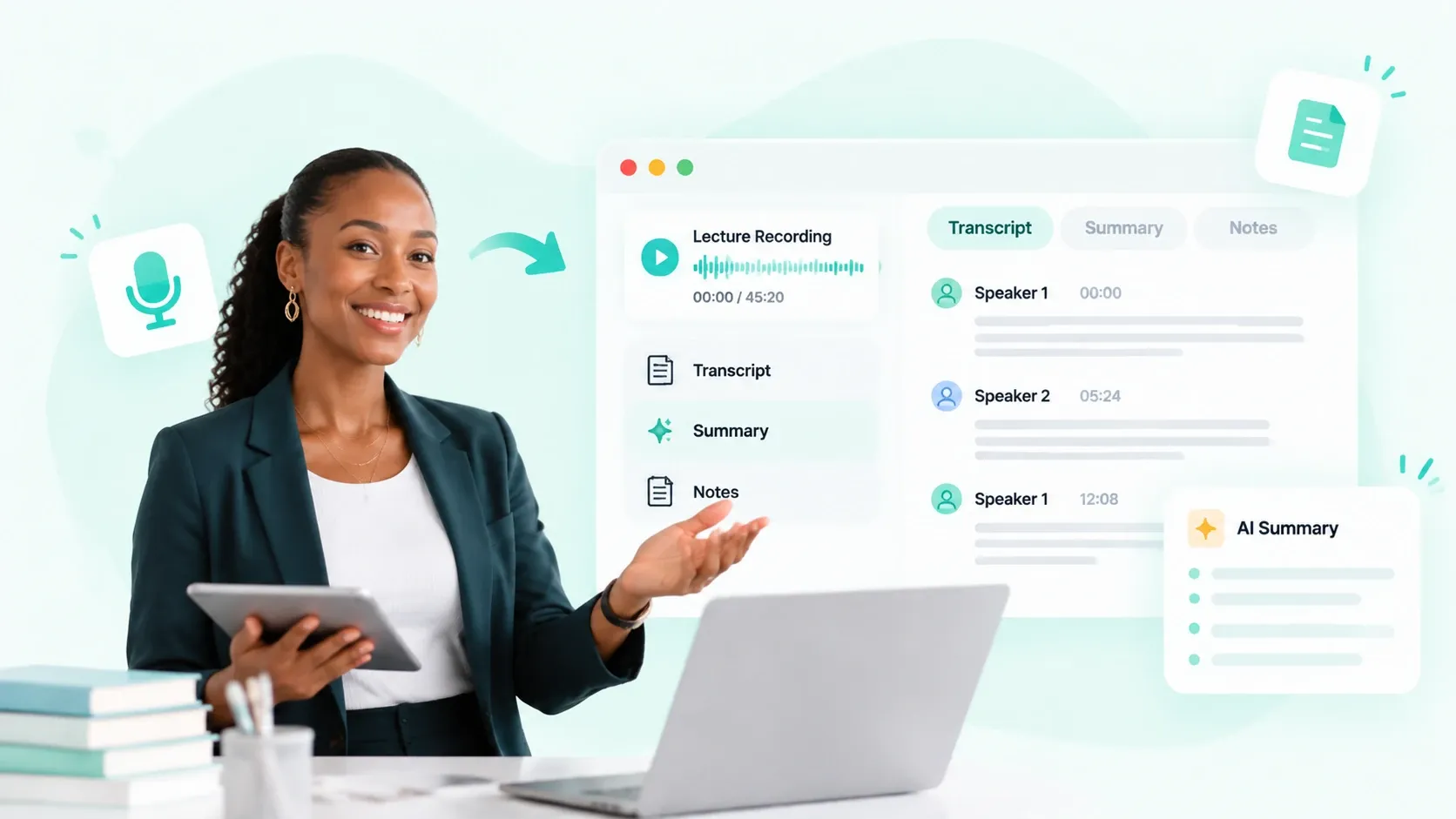
Record or upload your lectures, then get accurate transcripts, timestamped notes, and AI summaries. Focus in class and revisit key points when you’re ready to review.
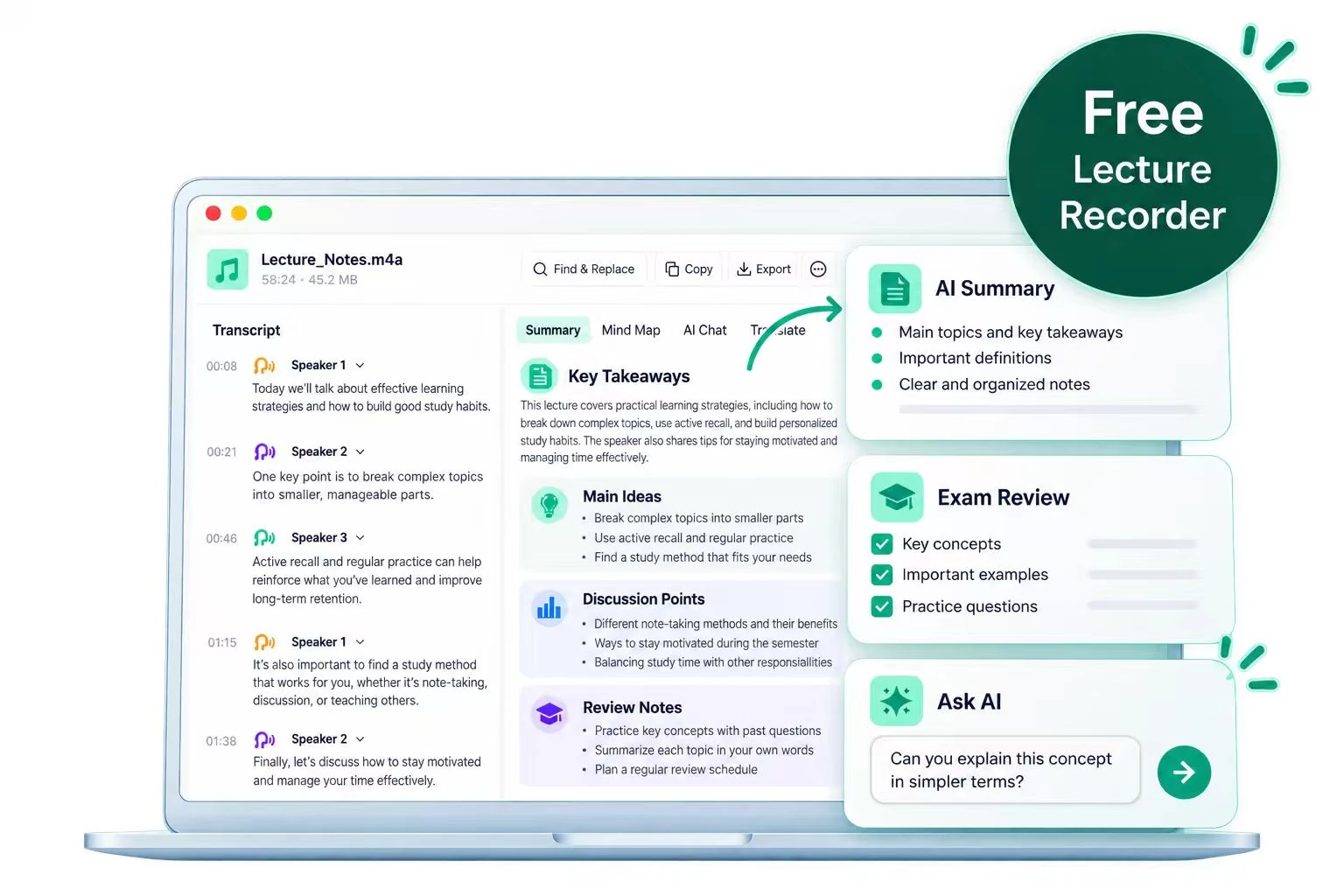
Limited time, divided attention, and demanding coursework can make studying feel overwhelming. Our lecture recording tool helps you keep up with class and approach revision at your own pace.
Click “Start Recording” and allow microphone access to record lectures directly in your browser. Already have a recording? Upload the audio file to get started.
Submit your finished lecture recording for AI transcription. Choose whether to identify speakers and select a summary template to turn the audio into a transcript and organized study notes.
Read your notes, explore a mind map, or ask AI to explain difficult concepts. Copy or export the results to keep useful study material ready for your next review.
Record lectures in your browser or upload existing audio, then work with transcripts, AI notes, mind maps, and answers in one workspace.
Read an editable transcript of your class audio, including explanations, examples, and definitions. Use timestamps to locate the corresponding section in your lecture recording.
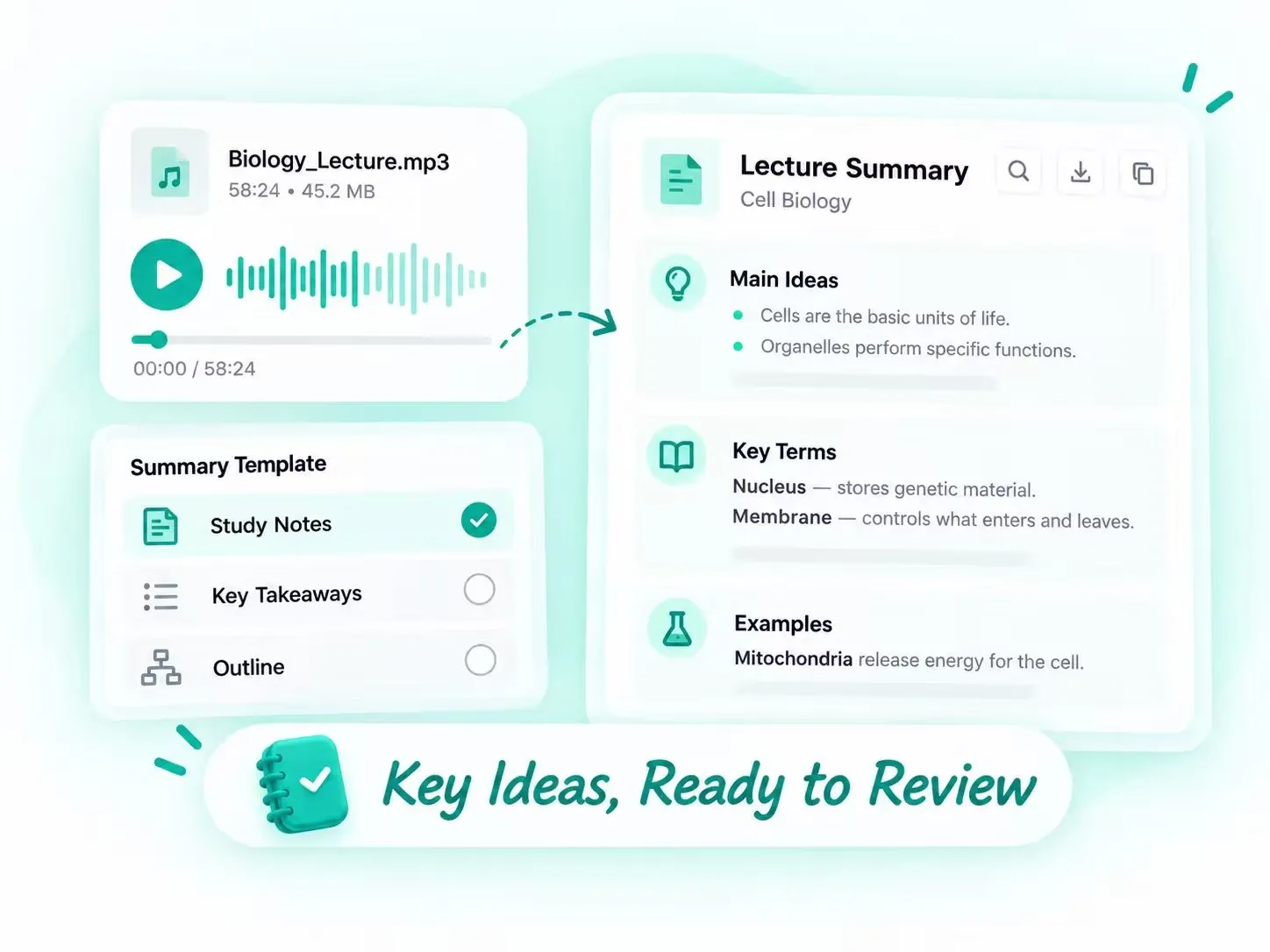
Convert your lecture recording into structured notes. Choose Note for organized details, Core Points for key takeaways, or Chapter Summary for a section-by-section recap.
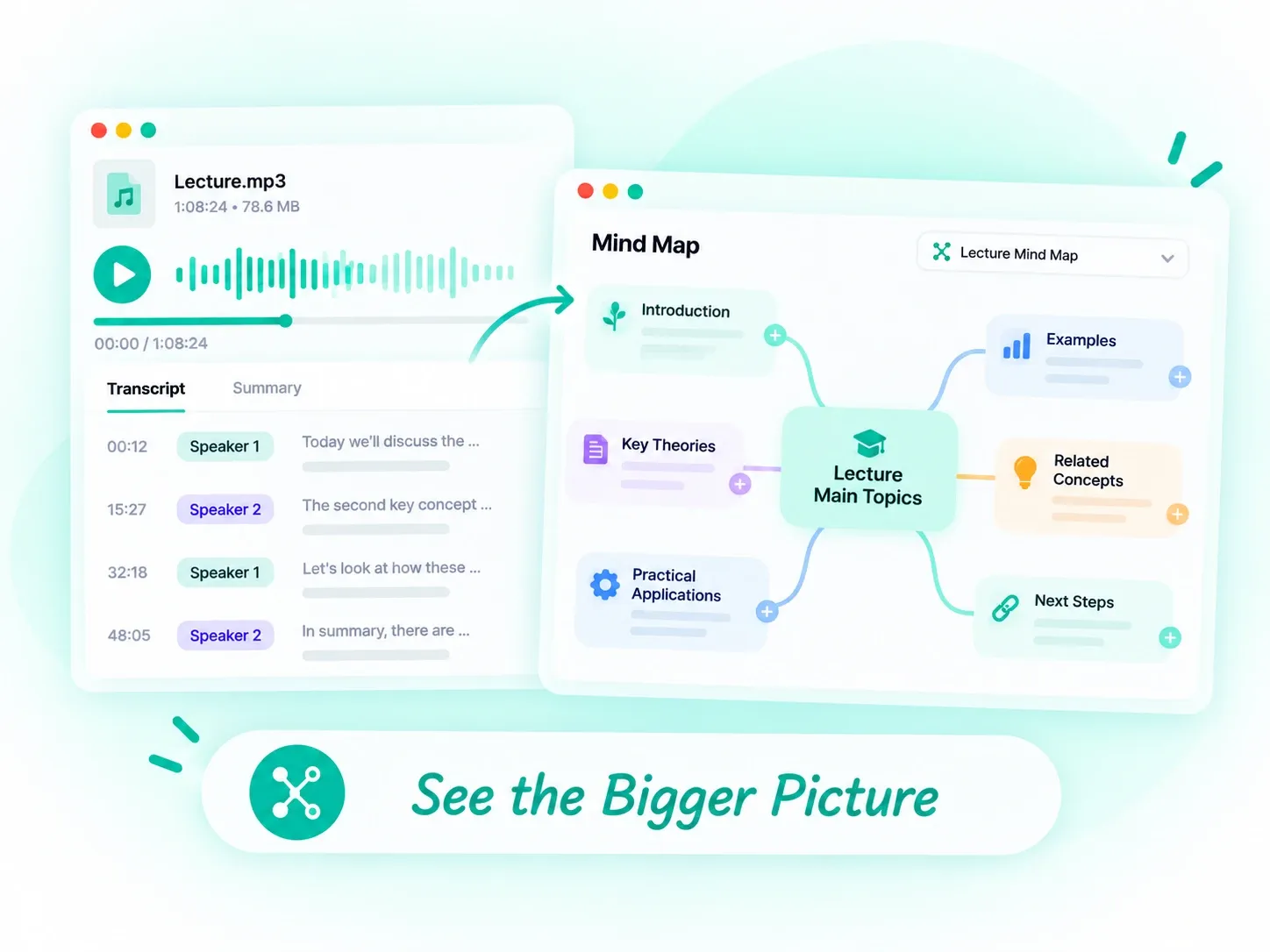
Generate a mind map of the main topics and supporting ideas. Explore how definitions, arguments, and examples relate to one another across the lecture.
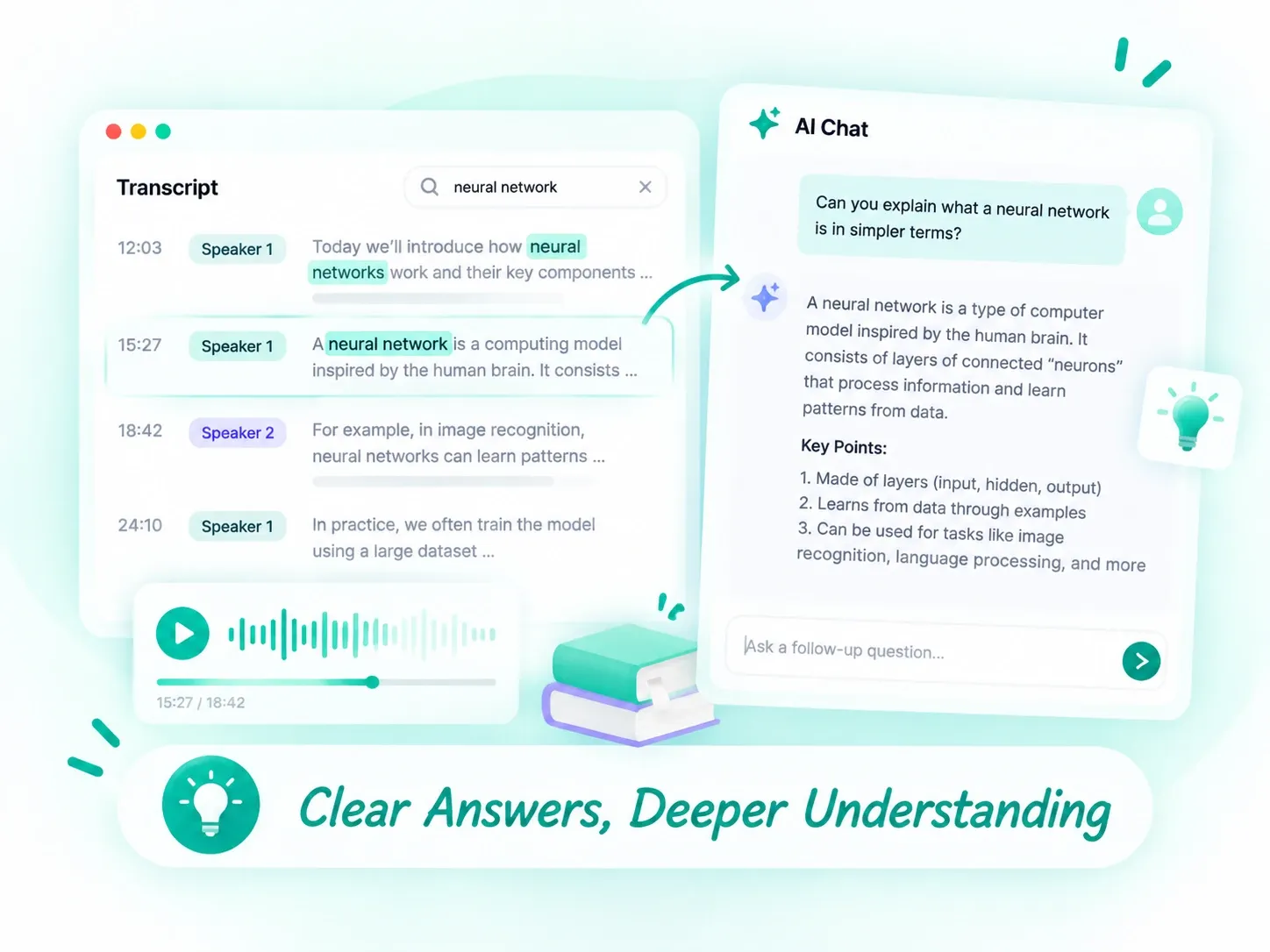
Ask AI questions about your lecture transcript. Request a simpler explanation, clarify a definition, or break down the reasoning behind a complex example.
See how different learners and educators use lecture recording to organize ideas, revisit discussions, and understand course material.
Record lectures and turn the content into a mind map of key concepts and supporting examples. Use the visual structure to connect topics, identify areas to revisit, and organize your review before an exam.
Turn your lecture recording into a transcript and focused summary. Give students a written reference for important explanations, helping them catch up on missed material and review the main takeaways after class.
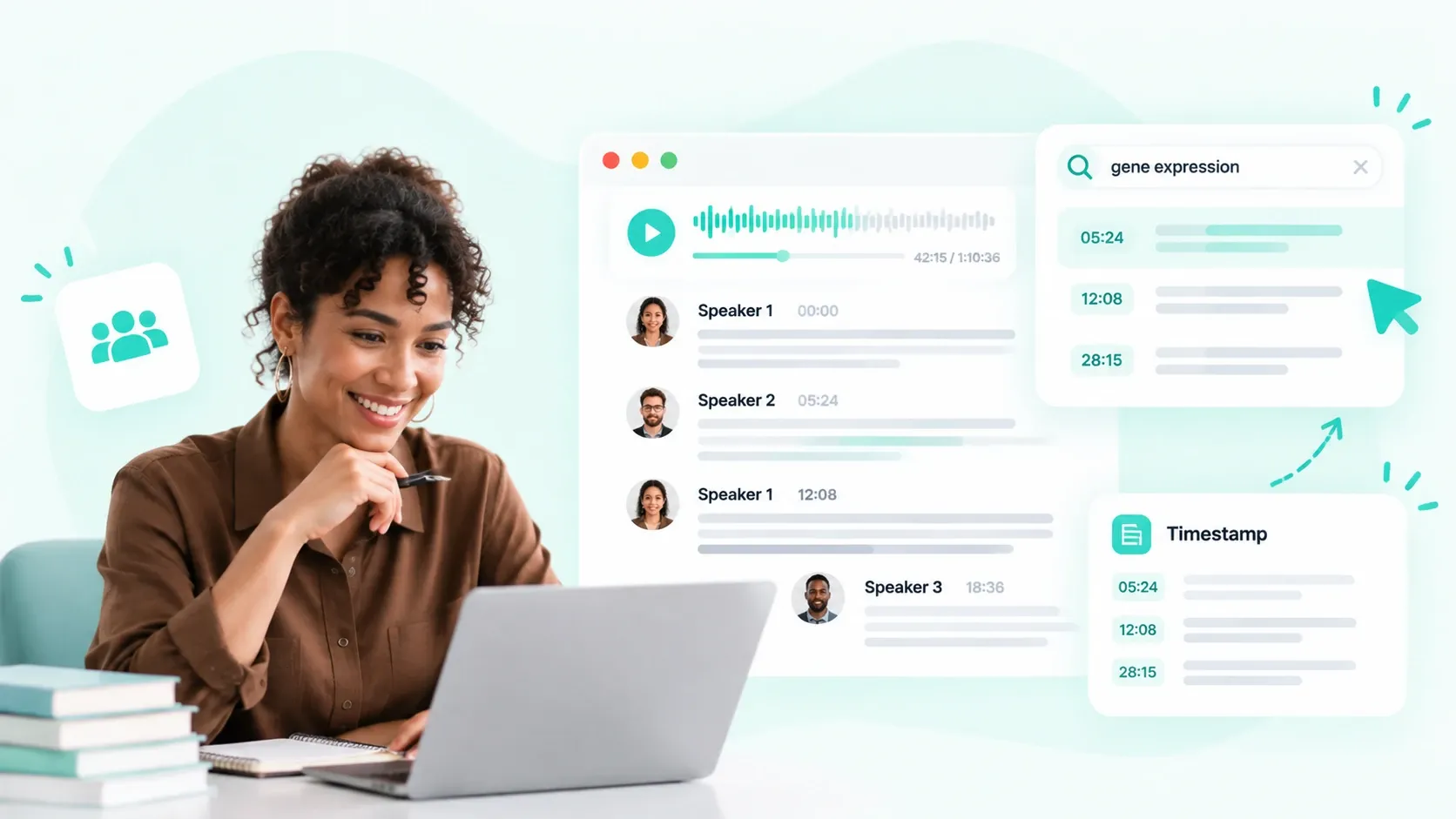
Enable speaker identification when transcribing seminars or guest lectures to follow who contributed each idea. Search the transcript for relevant terms and use timestamps to locate passages worth checking against the original audio.
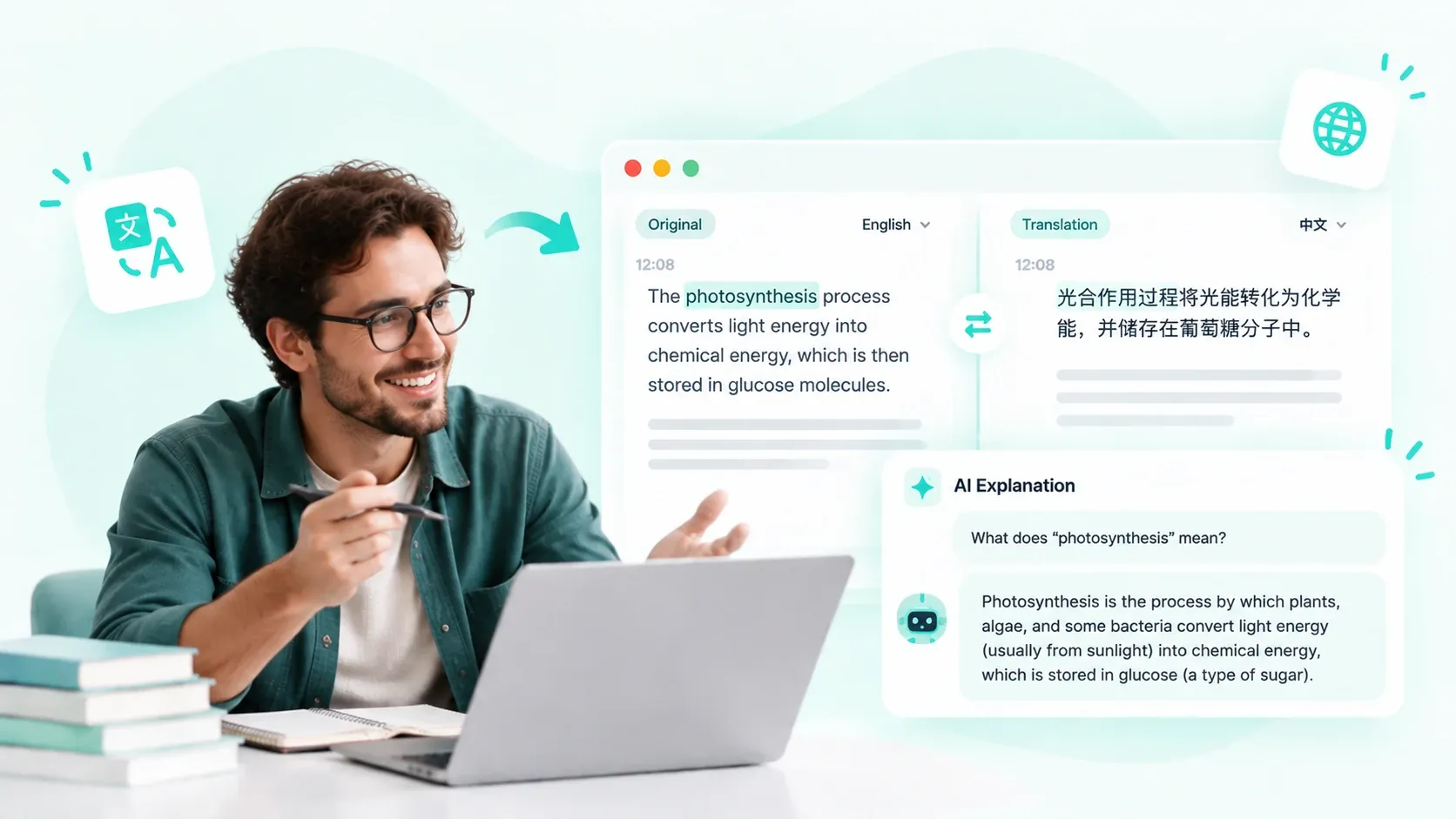
Translate lecture transcripts into your preferred language and ask AI to explain unfamiliar terminology or difficult passages. Read alongside the original text to build your understanding of both the subject and its vocabulary.
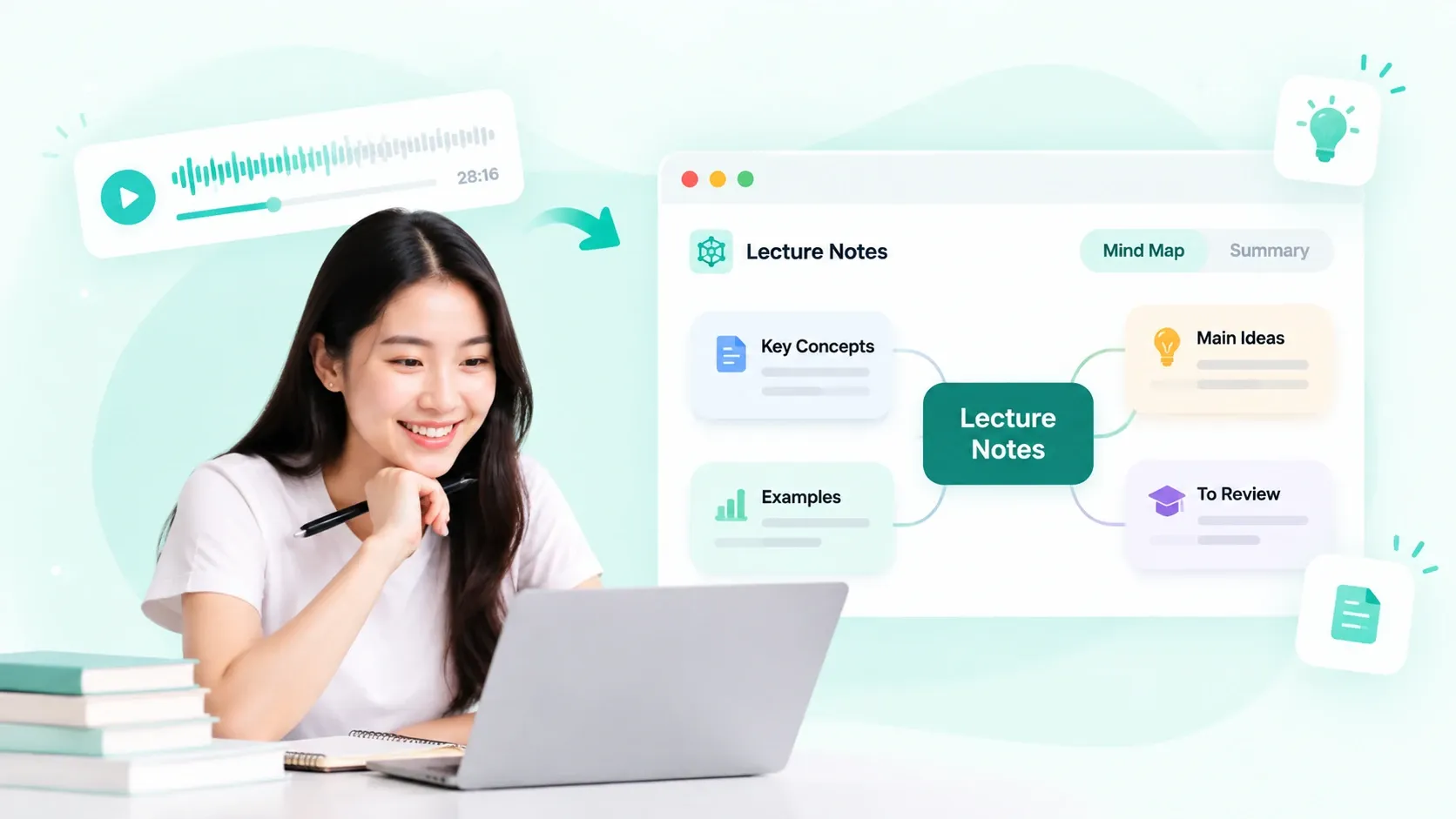
Record lectures online or upload your audio, then turn it into clear transcripts and AI study notes. Start reviewing key points with no software to install.
Start Recording Now
Charlie Rice
Psychology Student
“I record lectures because I can’t always listen and take good notes at the same time. Having the transcript afterward helps me fill in the explanations I missed.”

Ava Hunt
Engineering Student
“The mind maps are my favorite part. Turning a lecture recording into connected topics makes it much easier to see how the formulas and examples fit together.”

Stella Fox
International Student
“Sometimes I understand the topic but get stuck on the wording. I can translate a passage, read the original transcript, and ask AI to explain it another way. That’s been really useful for reviewing technical lectures.”

Erika Price
Graduate Researcher
“Speaker labels make seminar transcripts easier to follow. I can find a particular comment and check the original lecture recording for context.”